





Digital Offer Management: From Approval to Candidate Acceptance
Learn how digital offer management connects approvals, secure delivery, candidate acceptance and onboarding while protecting version control and hiring data.
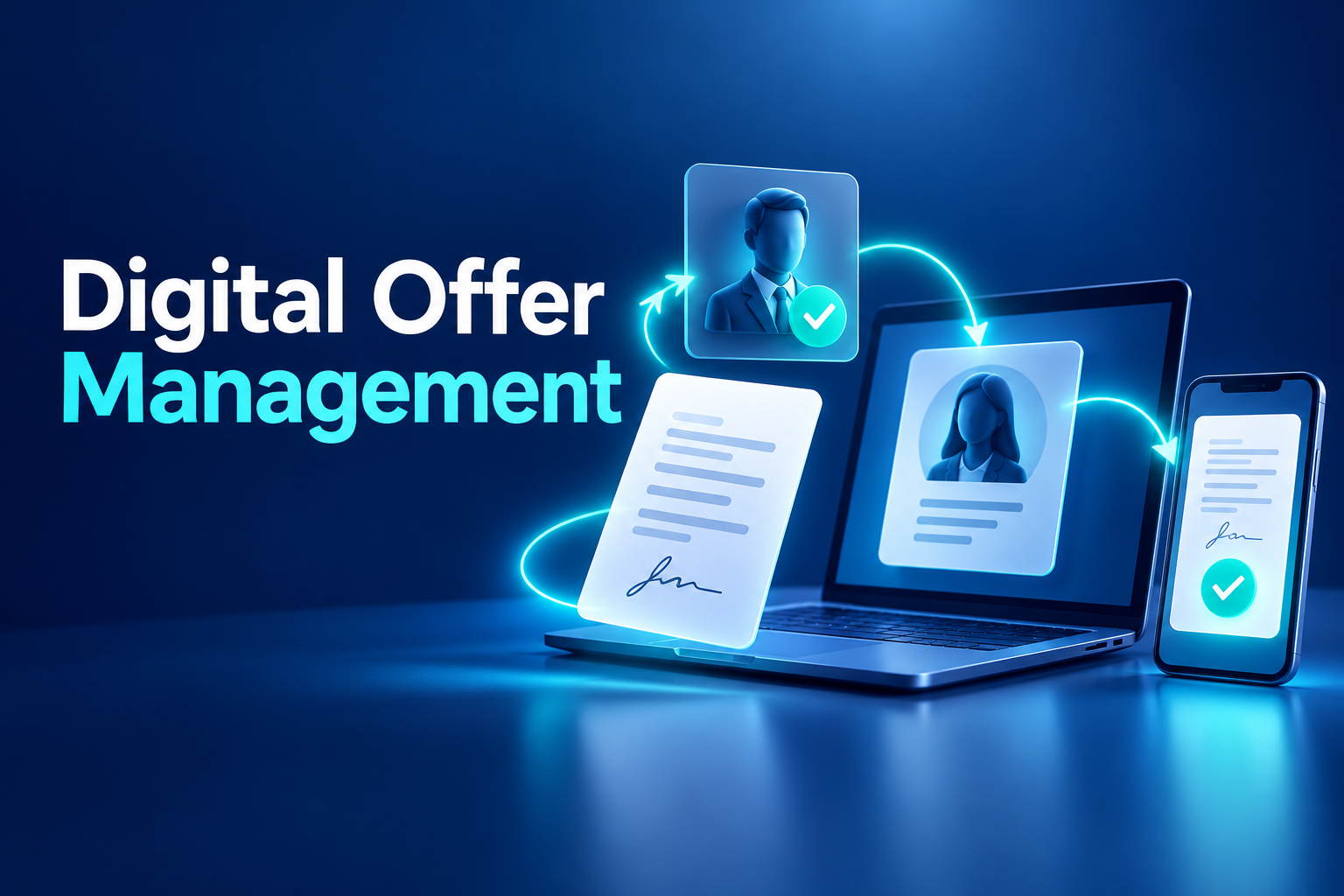
Digital Offer Management: From Internal Approval to Candidate Acceptance
The final stage of recruitment should create momentum. Instead, it often introduces a new set of delays.
The recruiter prepares an offer in a document template, sends compensation details to several approvers and waits for replies across separate email threads. After revisions, the wrong attachment may be sent to the candidate—or nobody can confirm which version received final approval.
Digital offer management creates a controlled workflow for preparing, approving, delivering, revising and accepting employment offers. It also connects the successful candidate with onboarding without unnecessary data re-entry.
What is digital offer management?
Digital offer management is the use of applicant tracking software to manage the offer stage from selected candidate to accepted hire.
A complete workflow can connect:
Approved requisition and budget
Candidate and position data
Compensation and benefits
Offer templates
Internal approvals
Document versions
Secure candidate delivery
Expiry dates
Candidate questions and decisions
Revisions or withdrawal
Onboarding handover
The objective is not simply to generate a PDF. It is to create one reliable record of what was offered, who approved it and how the candidate responded.
Why email-based offer processes break down
Templates become inconsistent
Recruiters may store different versions of offer templates on local drives. Legal-entity details, benefit descriptions and standard clauses can therefore vary without a controlled reason.
Approval evidence is fragmented
Compensation approval may appear in one email conversation while the proposed start date is discussed elsewhere. The final document may not clearly correspond to either decision.
Candidates receive the wrong version
Files named “final,” “final revised” and “final approved” create predictable confusion. A candidate may receive a draft containing an outdated salary or incorrect working arrangement.
Recruiters lack candidate visibility
The recruiter may not know whether the email was delivered, the candidate opened the message or the offer link expired. Follow-up becomes dependent on repeated calls and manual reminders.
Onboarding starts with duplicate entry
After acceptance, HR re-enters the candidate’s personal, role, manager, location and start-date data into another system. This creates delays precisely when onboarding activity should begin.
How a digital offer workflow operates
1. Move the selected candidate into the offer stage
The recruiter advances the preferred candidate after interviews, assessments and required approvals are complete.
The offer remains connected with the candidate’s application, vacancy, evaluations and hiring team. This prevents a document from being created against the wrong position or employing entity.
2. Build the offer from approved information
The recruiter completes structured fields such as:
Job title
Legal entity
Department
Manager
Work location
Remote or hybrid arrangement
Proposed start date
Base compensation
Bonus or commission
Benefits
Probationary terms
Offer expiry date
Relevant conditions
Structured fields can be validated before the document is generated. The system may also compare the proposed compensation with the requisition’s approved range.
3. Generate the correct template
A multinational organisation may require different templates by country, legal entity, employment type, language or seniority.
The platform inserts approved candidate and offer data into the relevant template. This reduces copying errors and helps ensure that recruiters do not use locally saved legacy documents.
Automation should not remove professional review. Higher-risk or non-standard offers may still require HR, legal or compensation specialists.
4. Route the offer for internal approval
Before the candidate sees the document, the offer moves through the configured approval chain.
Approvers may include:
Hiring manager
HR business partner
Talent acquisition leader
Compensation team
Finance or budget owner
Senior executive
Local HR or legal reviewer
The workflow should show each approver the proposed terms, approved range and previous comments. A decision should record the user, time, document version and any requested changes.
5. Deliver the offer securely
Once approved, the platform sends the candidate a personal, time-limited link rather than an uncontrolled attachment.
HR&Tomorrow ATS can configure the offer-link validity period between 1 and 90 days. Delivery status, email opening and link-click activity can be tracked separately.
These signals improve communication visibility, but they do not represent candidate acceptance.
6. Provide a clear candidate experience
The candidate should be able to review the full offer through a mobile-friendly interface.
The experience should explain:
The position and proposed terms
The response deadline
How to accept or decline
Who to contact with questions
What will happen after acceptance
Whether any additional action is required
The interface should remain accessible and readable without forcing the candidate to create an unnecessary account.
7. Manage negotiation and revision
A candidate may request a change to compensation, start date, location or another term.
The recruiter should not edit the already issued document invisibly. A new version should be generated, routed through any required reapproval and sent through a new controlled link.
Version history should identify:
What changed
Who made the change
Who approved the new version
When each version was issued
Which version the candidate accepted
This preserves clarity during negotiation.
8. Withdraw an offer in a controlled manner
Where an authorised withdrawal is required, the system should close the candidate’s current link and record the reason, responsible user and time.
Access to the old offer should not remain active after withdrawal. Relevant hiring stakeholders should also receive an update.
Withdrawal decisions can involve significant legal, ethical and reputational considerations. Organisations should follow their approved policy and obtain appropriate specialist advice where necessary.
9. Trigger onboarding after acceptance
Once the candidate accepts the valid offer, approved data can create the initial employee or pre-hire record.
The platform can then initiate:
Identity and employee-information collection
Employment document requests
Contract preparation
Policy acknowledgements
Equipment and access tasks
Orientation scheduling
Manager notifications
Training assignments
First-day planning
This turns offer acceptance into an operational trigger rather than another email HR must process manually.
Delivery, opening and acceptance are different events
Offer management software should distinguish among communication and decision states:
Delivered: The email reached the destination system.
Opened: The candidate accessed the email.
Clicked: The candidate followed the offer link.
Viewed: The offer content was displayed.
Accepted: The candidate completed an explicit acceptance action.
Declined: The candidate clearly rejected the offer.
Expired: The response window ended.
Withdrawn: The organisation formally closed the offer.
Completed: All required offer-stage actions finished.
Recruitment dashboards and automated messages should never treat an open or click as acceptance.
Improving candidate experience
Reduce the time between decision and offer
A connected approval workflow makes stalled decisions visible. Recruiters can identify exactly which approval is outstanding.
Make the content mobile-friendly
Candidates frequently review offers outside working hours and on personal mobile devices. They should not need to zoom into an unreadable attachment.
Explain next steps
Acceptance should produce a clear confirmation and onboarding timeline. Silence after acceptance undermines the positive experience the offer created.
Avoid duplicate questions
Information already supplied and approved during recruitment should carry into onboarding where appropriate.
Preserve human communication
Automation should support the recruiter, not replace personal contact. Important candidates may still benefit from a conversation before or immediately after the formal offer is issued.
Metrics for the offer stage
Useful digital offer management metrics include:
Time to prepare an offer
Internal approval time
Time from approval to delivery
Time to first view
Offer acceptance rate
Decline rate
Negotiation or revision rate
Expired-offer rate
Withdrawal rate
Acceptance by role, region or source
Time from acceptance to start date
Candidate withdrawal after acceptance
Metrics should diagnose process quality. A low acceptance rate may reflect compensation, slow decision-making, unclear role design, work-location expectations or the overall candidate experience.
Security and governance requirements
Offer records contain compensation, identity and employment information. The platform should therefore provide:
Role-based access
Approval permissions
Secure personal links
Configurable expiry
Controlled downloads
Document-version history
Audit logs
Protected integrations
Retention and deletion settings
Timely access removal
Appropriate regional configuration
Notifications should avoid exposing confidential compensation information on a lock screen or in an email subject line.
What to evaluate in offer management software
Ask providers to demonstrate:
Offer creation from the candidate profile
Requisition and budget validation
Multiple templates and languages
Configurable approval workflows
Non-standard-offer escalation
Personal and expiring links
Delivery, open and click tracking
Candidate acceptance and decline
Offer revision and reapproval
Withdrawal and link closure
Complete version history
Role-based access
Recruitment analytics
Onboarding and HRIS handover
A useful product demonstration should include a revised salary, an expired link and withdrawal of an already issued offer. Exception handling shows whether the platform manages the full lifecycle.
Frequently asked questions
Is a digital job offer the same as an employment contract?
No. An offer presents proposed employment terms, while an employment contract formally governs the employment relationship. Execution requirements depend on the document and applicable jurisdiction.
Can an offer link expire?
Yes. A time-limited link can automatically close access after the response deadline.
Can recruiters edit an offer after sending it?
Changes should create a new controlled version. The revised offer may also require internal reapproval before being reissued.
Does opening an offer mean the candidate accepted it?
No. Delivery, opening, viewing and acceptance are separate events. Acceptance requires a clear candidate action.
Can accepted offer data move directly into onboarding?
Yes. An integrated ATS can transfer approved candidate and position information into onboarding and core employee workflows.
Create a connected journey from offer to onboarding
HR&Tomorrow ATS connects offer preparation, internal approval, secure delivery, engagement tracking and candidate response with the wider recruitment record.
Recruiters can revise or withdraw offers without losing history. Once the candidate accepts, approved data can continue into digital onboarding and employee-document workflows.
Request an HR&Tomorrow demo to see how digital offer management can make the final stage of hiring faster, clearer and easier to control.