





Emergency Communication Software: Reach Every Employee Fast
Learn how emergency communication software helps HR reach every employee, track acknowledgements and coordinate a faster, safer response across locations.
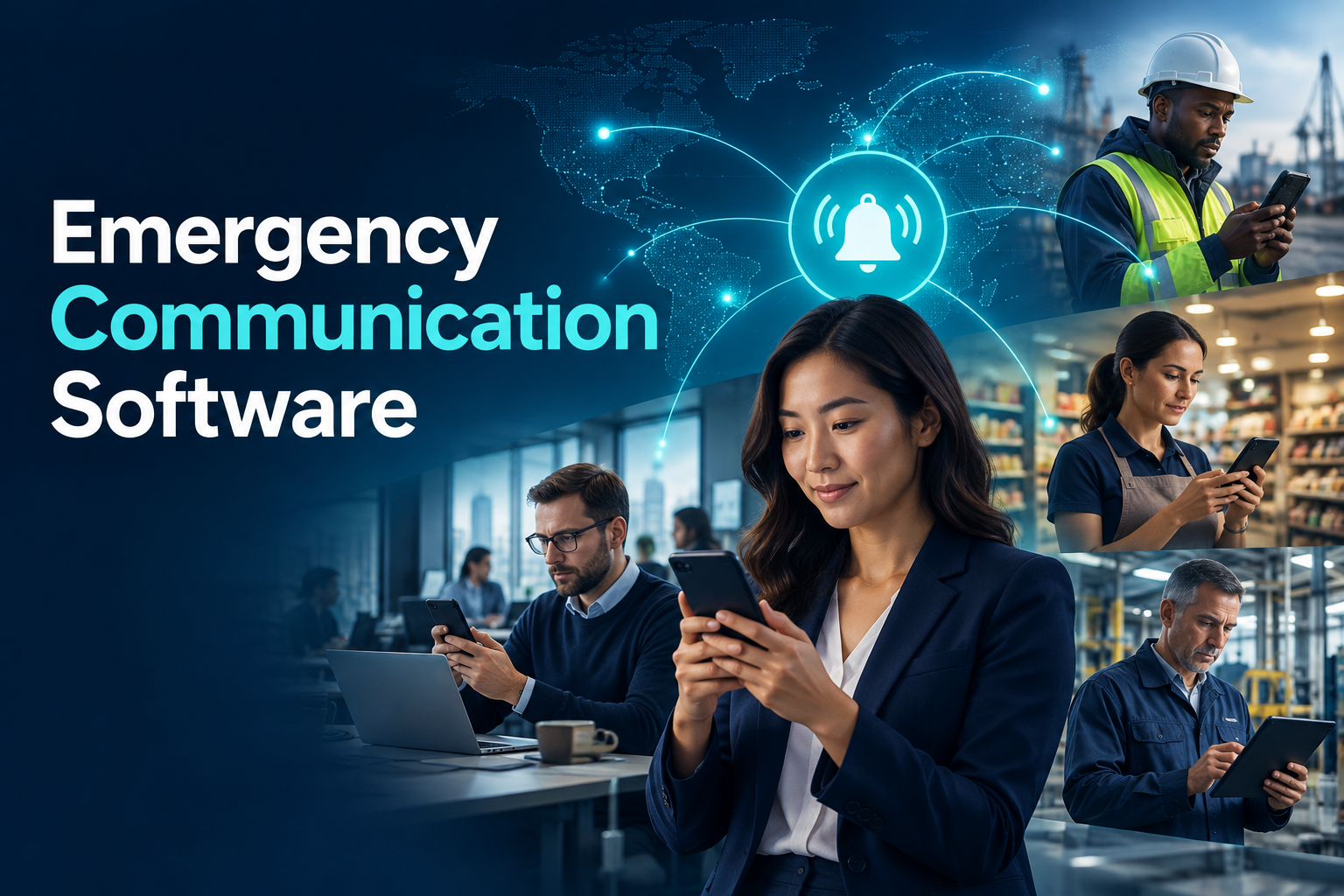
Emergency Communication Software: How to Reach Every Employee
During a fire, extreme-weather event, security incident or major operational disruption, employees need clear information quickly. The organisation also needs to understand who received the message, who is safe and who requires assistance.
That becomes difficult when the workforce is distributed across offices, stores, factories, customer sites and remote locations. Phone trees take time. Group chats may exclude new employees or include people who have already left. Email alone cannot provide a reliable view of acknowledgement.
Emergency communication software creates a controlled process for sending targeted alerts, collecting responses and coordinating follow-up across the workforce.
What is emergency communication software?
Emergency communication software is a digital platform that distributes urgent information to employees through channels such as mobile push notifications, text messages and email.
A modern employee emergency notification system should do more than broadcast a message. It should help the organisation:
Select the affected population
Deliver alerts through appropriate channels
Monitor delivery and acknowledgement
Collect structured safety responses
Identify employees requiring assistance
Escalate unanswered notifications
Preserve a record of the event
Analyse response performance afterwards
The goal is not simply to send more messages. It is to establish a trusted communication path when ordinary channels may be unavailable or overwhelmed.
Which events can the system support?
Severe weather and natural hazards
Flooding, earthquakes, storms, wildfires and extreme temperatures can affect employees differently depending on location. The organisation may need to contact one site, an entire region or travelling employees.
Fire and evacuation
When a building must be evacuated, employees can receive instructions and confirm whether they are safe, outside the facility or in need of support.
The software complements—not replaces—physical alarms, evacuation procedures and emergency services.
Security incidents
Local security threats, restricted access, suspicious activity or transport disruption may require carefully targeted instructions. Providing verified information through one recognised channel can reduce speculation.
Technology and infrastructure failures
Power, network or building-system outages can change where and how employees work. An alert can explain whether a site is closed, which alternative location to use and when another update will follow.
Health and workplace-safety events
Organisations may need to inform employees about an exposure, environmental hazard or workplace incident. The message should provide necessary operational guidance without distributing confidential medical details.
How does an emergency notification workflow operate?
1. An authorised person activates the event
The organisation first verifies the incident and determines its scope. Access to mass notifications should be restricted to designated roles, with additional approval for selected scenarios where appropriate.
Activation rules should be agreed before an emergency. A platform cannot compensate for uncertainty about who has authority to communicate.
2. The affected audience is selected
The message may target employees according to:
Country or region
Workplace or facility
Department
Shift
Employment status
Remote or onsite work pattern
Emergency-response role
Organisational entity
Accurate segmentation reduces unnecessary alerts and ensures that instructions reflect the employee’s circumstances.
3. A prepared template is adapted
Writing a long message during an emergency wastes valuable time and increases the likelihood of ambiguity.
Templates can be prepared for common situations such as evacuation, severe weather, office closure and service disruption. Every message should answer five questions:
What happened?
Who is affected?
What should the employee do?
Is a response required?
When and where will the next update appear?
Templates must still allow authorised users to add event-specific facts.
4. The alert uses multiple channels
Push notifications are fast and interactive, but they depend on connectivity, device settings and an active installation. Email may work well for office staff but poorly for employees without regular inbox access.
A multi-channel strategy may combine mobile notifications, SMS and email. The appropriate mix depends on urgency, workforce profile, geography and communication cost.
5. Employees acknowledge or respond
Instead of replying with free text only, employees can select a structured response:
I am safe
I need assistance
I am not at the affected location
I cannot travel to work
Please contact me
Structured responses allow the incident team to identify priorities without manually reading hundreds of individual messages.
6. Non-responses are escalated
A lack of response does not automatically mean that an employee is in danger. The person may be off duty, have no connectivity or have missed the alert.
The system should identify non-responses and apply a defined escalation process. It might send another notification, alert the manager or assign a follow-up call to an authorised team member.
7. The event is closed and reviewed
After the situation is resolved, the organisation can review delivery rates, response times, unanswered alerts and actions taken. Lessons from the report should feed into future plans and exercises.
Why ordinary group messaging is not enough
Consumer messaging tools can help colleagues communicate, but they rarely provide complete emergency governance.
Common limitations include:
Personal phone numbers may be exposed to the group.
Membership may not reflect current employment status.
Important responses can disappear inside long conversations.
Targeting by shift, facility or legal entity may be difficult.
Reporting and escalation are inconsistent.
Access and administrative control may depend on individual users.
The message history may not connect to the HR system of record.
A group chat may remain one part of the communication landscape. The authoritative emergency workflow, however, should be connected to maintained workforce data and controlled by the organisation.
The importance of accurate workforce data
Emergency communication is only as reliable as its contact and organisational data.
A platform should know whether the employee is active, where they normally work, which shift they belong to and which manager is responsible for follow-up. When these details are maintained in separate spreadsheets, the emergency list can become outdated quickly.
Connecting the crisis communication platform with core HR and employee self-service provides a stronger foundation. New hires can be included, leavers removed and workplace transfers reflected without rebuilding separate lists.
Employees should also be able to review permitted contact details and understand how those details may be used during a critical event.
Location and privacy
Location can help identify which employees may be affected, but emergency capability should not become continuous surveillance.
A privacy-conscious design can use:
The employee’s assigned workplace
The current approved work schedule
Voluntary location sharing during an active event
A check-in requested only from the affected population
Strictly limited access for the incident team
Short, defined retention for event-specific location data
The organisation should explain what information is collected, why it is needed, who can see it and when it will be deleted.
Essential software capabilities
When evaluating emergency communication software, ask whether it supports:
Push, SMS and email alerts
Workforce segmentation
Multi-country and multi-entity structures
Pre-approved message templates
Delivery, opening and acknowledgement tracking
One-tap safety responses
Automated reminder rules
Prioritisation of assistance requests
Manager and incident-team escalation
Role-based access
HRIS and employee-directory integration
Mobile and web administration
Audit history
Exercise or test mode
Event reports and exports
Reliable technical support
The product demonstration should include an imperfect scenario—for example, an affected employee who has no internet connection and another who belongs to the wrong facility. This reveals how the platform handles exceptions.
Testing the process before an emergency
Technology, contact information and human responsibilities should be tested together.
A scheduled exercise helps the organisation discover:
Employees with outdated contact information
Disabled notification permissions
Locations with low acknowledgement rates
Unclear or overly long templates
Managers who do not understand their escalation role
Technical issues affecting particular devices or regions
Test messages should be clearly marked as exercises. Employees should know how to respond and where to report a problem.
A good exercise is not measured only by a high acknowledgement rate. It should also produce improvements to data, instructions and ownership.
Frequently asked questions
Is emergency communication software only for large companies?
No. Any organisation with distributed teams, multiple sites, shift workers or employees travelling for work may benefit from a controlled alert process.
Can it replace fire alarms and emergency procedures?
No. The software supports communication and accountability. It does not replace physical alarms, emergency services, evacuation plans or workplace-safety responsibilities.
Does the system continuously track employee locations?
It should not do so by default. Location use should be proportionate, transparent and limited to a defined purpose, population and period.
What happens when an employee does not respond?
The platform can issue reminders and escalate the non-response to an authorised manager or response team. The organisation should define the follow-up procedure in advance.
Will alerts work without internet access?
Push notifications usually require connectivity. SMS or other backup channels should therefore be considered for critical scenarios.
Build a connected workforce response
Emergency communication works best when employee identity, workplace, shift, manager and contact data already exist in one trusted HR environment.
HR&Tomorrow connects emergency alerts with current organisational and employee records. Authorised teams can target relevant populations, distribute mobile notifications, monitor acknowledgements and focus follow-up on employees who request assistance or have not responded.
Request an HR&Tomorrow demo to see how a connected emergency communication workflow can support a faster and more accountable workforce response.