





Employee Emergency Management: Communication and Safety Check-Ins
Learn how employee emergency management enables targeted alerts, rapid safety check-ins, support requests and real-time workforce accountability.
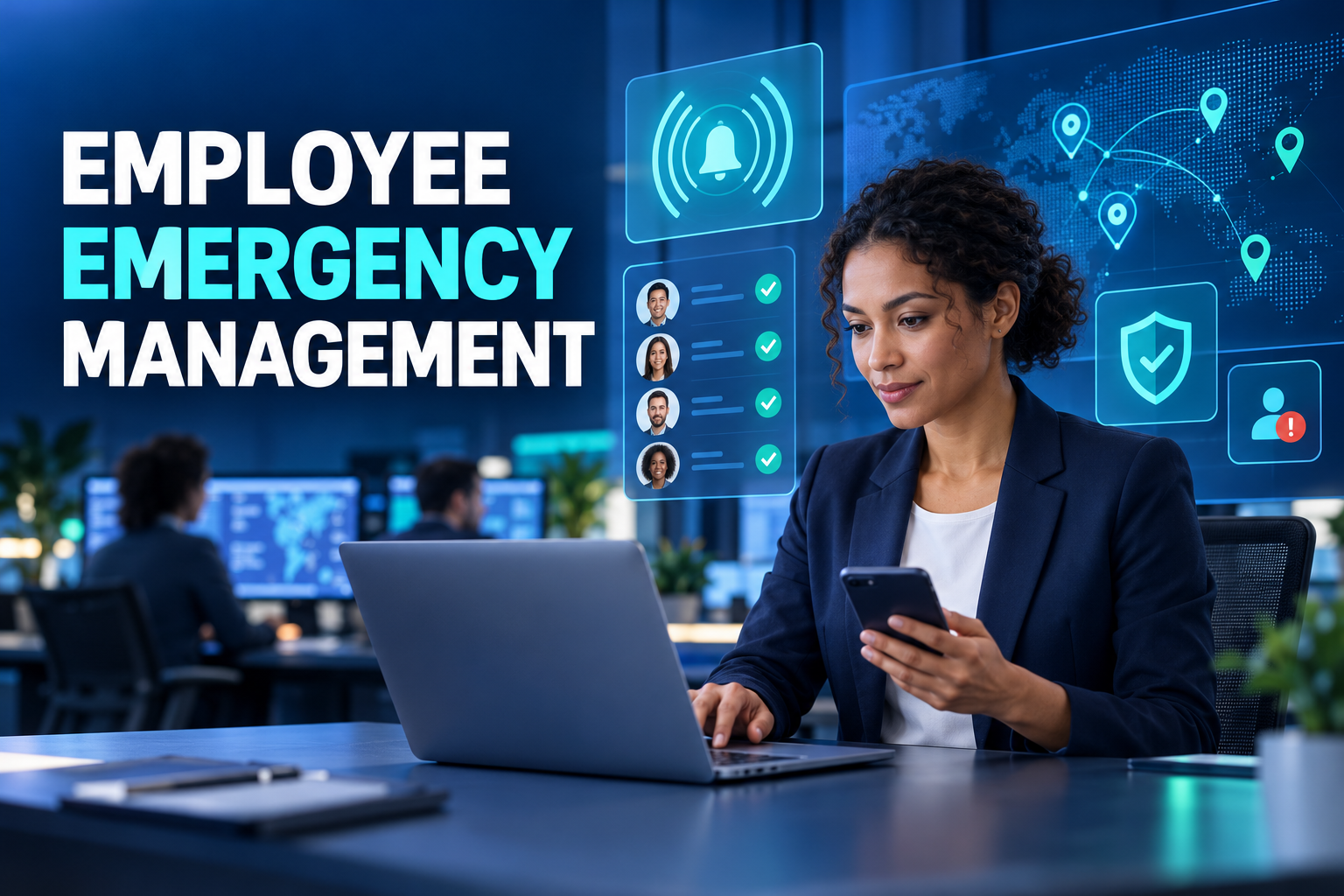
Employee Emergency Management: Building a Faster, Accountable Response
When an emergency affects a workplace, HR and operations teams need answers quickly. Which employees may be affected? Who has confirmed their safety? Who needs support? Who has not responded?
Calling employees one by one may work for a small office, but it becomes unreliable across multiple sites, shifts, remote teams and field operations. Group chats distribute information quickly, yet they rarely provide structured accountability.
Employee emergency management creates a controlled process for targeted alerts, workforce check-ins, support requests and follow-up actions.
What is employee emergency management?
Employee emergency management is the coordinated process of preparing workforce information, notifying affected people, collecting safety responses and managing assistance during a disruptive event.
A digital emergency workflow may connect:
Current employee records
Legal entities and business units
Work locations and sites
Departments and reporting lines
Shift or work-status information
Approved communication channels
Prepared message templates
Employee safety responses
Support requests
Follow-up assignments
Event and communication history
Post-incident reporting
The objective is not to replace emergency services or specialist safety procedures. It is to help the organisation account for its workforce and coordinate internal communication.
Why general messaging tools are not enough
Membership may be outdated
Former employees may remain in messaging groups while recent hires are missing. Manual emergency contact lists can become inaccurate between review cycles.
Message delivery is not a safety response
A message being sent—or even read—does not confirm whether an employee is safe or requires assistance.
Urgent requests become buried
A request for help can disappear among acknowledgements, questions and unrelated comments in a busy group conversation.
Targeting is limited
An incident affecting one facility may not require an alert to the entire workforce. Broad notifications can create unnecessary concern and message fatigue.
Sensitive details may be overshared
Personal phone numbers, locations or individual circumstances can become visible to a wider audience than necessary.
How does an employee emergency workflow operate?
1. Prepare workforce and location data
Emergency readiness begins before an incident. Employee records should include accurate organisational, workplace and communication information.
The platform may connect employees with:
Primary workplace
Current department
Reporting manager
Scheduled shift
Remote or field status
Approved emergency contacts
Preferred communication channels
Using core HR data avoids maintaining a separate workforce list that can quickly become outdated.
2. Create the incident
An authorised user records the incident type, affected sites, start time, priority and initial instructions.
An incident can be restricted to a facility, city, shift or operational team. The targeted population should be reviewable before the alert is issued.
3. Send the alert
Employees may receive the message through mobile push notification, SMS, email or other supported channels.
An effective alert should explain:
What has happened
Who may be affected
What employees should do
How to submit a status
Where further instructions will appear
When the next update is expected
Clear instructions are more useful than lengthy background information during an active event.
4. Collect structured check-ins
Instead of asking employees to write an open-ended response, the platform can provide simple options such as:
I am safe
I need assistance
I am not at the workplace
I cannot reach the site
I need my manager to contact me
The available responses can be configured for the organisation and incident type. Every response is connected with an employee and timestamp.
5. Monitor workforce status
The response team receives an aggregated view showing:
Confirmed safe
Assistance requested
Not affected
Awaiting response
Message undelivered
Follow-up in progress
The view can be filtered by site, department, manager or shift. Employees requiring support and those who remain unaccounted for should appear prominently.
6. Assign follow-up actions
A support request should create accountable work rather than remain as an icon on a dashboard.
Tasks may be assigned to:
Contact the employee
Verify a workplace area
Reach the employee’s emergency contact
Arrange transport or accommodation
Provide technical communication support
Escalate the request to the appropriate response team
The system should show an owner, deadline, status and relevant activity history for every action.
7. Close and review the incident
Once the situation is resolved, authorised users can close the incident and preserve the final status.
A post-incident review may identify:
Incorrect contact information
Undelivered messages
Slow-response sites
Unclear instructions
Unresolved assignments
Communication-channel failures
Gaps in manager coverage
The findings can inform future drills and emergency plans.
Targeting employees without creating confusion
Emergency messages can be targeted by:
Country or legal entity
City and workplace
Department
Shift
Manager or reporting team
Remote, site-based or field status
Project or operational group
Employees potentially connected with the affected area
Precise targeting reduces unnecessary messages. However, when the scope is uncertain, the response owner may reasonably select a broader population until more information becomes available.
The platform should allow the sender to preview both included and excluded groups before releasing the alert.
Using location data proportionately
Emergency management does not require continuous employee tracking.
Depending on organisational policy, employees may voluntarily share their location during an incident, select their current situation or provide a limited site-level response.
Scheduled workplace, shift and time-attendance records can provide useful context, but they do not establish a person’s exact real-time location. An employee may have left the site, changed assignments or failed to record an attendance event.
Organisations should define:
Why location information is needed
When it can be requested
Who may access it
How long it will be retained
How employees will be informed
What alternative response is available
The minimum information necessary for the response should be preferred.
Governance and authorisation
Not every HR or manager account should be able to issue a workforce-wide emergency alert.
Permissions may distinguish between users who can:
Create an incident
Prepare a message
Approve distribution
Send the alert
View workforce responses
Access support-request details
Assign follow-up actions
Close the incident
Review reports
High-impact communications may require an additional approval or a restricted response-team role. The platform should record who created, approved and issued every alert.
Testing the process through drills
A system that is activated only during a real emergency may fail when it is needed most. Regular exercises can verify:
Employee contact data
Push, SMS and email delivery
Workforce understanding of the check-in process
Manager access to team status
Assignment and escalation rules
Reporting accuracy
Response-team permissions
Every drill message should state clearly that it is a test. Results should be reviewed without treating employee response speed as an ordinary performance measure.
Emergency-management metrics
Useful measures include:
Delivery rate
The percentage of alerts successfully delivered through each channel.
First-response time
How quickly the first employee responses arrive after an alert.
Workforce response rate
The proportion of targeted employees who submit a status.
Assistance-request volume
The number and type of requests requiring follow-up.
Unaccounted-for employees
Employees for whom no confirmed status is available.
Resolution time
The time required to close assigned support actions.
Data-quality issues
Incorrect phone numbers, bounced emails and missing organisational assignments identified during the incident or drill.
Site-level response
Differences in response rate and speed across facilities, shifts or workforce groups.
These metrics should improve preparedness and process design rather than rank individual employees.
What to evaluate in emergency communication software
Ask potential providers to demonstrate:
Site, shift and team-based targeting
Multi-channel alert delivery
One-touch employee check-ins
Prominent assistance requests
Automatic identification of non-responders
Manager-specific team views
Follow-up tasks and escalation
Prepared and approved templates
Drill and live-incident separation
Role-based permissions
Complete event history
Post-incident reporting
Integration with core HR and organisation data
Mobile access under limited connectivity
A useful product demonstration should include an undelivered message, an assistance request and an employee who does not respond. This reveals how the platform manages exceptions rather than only successful check-ins.
Frequently asked questions
Is emergency management only for natural disasters?
No. It can support workplace fires, severe weather, transport disruption, facility closures, regional security events and other incidents affecting employees.
Can employees respond without opening the full HR platform?
Depending on the available channels, a secure notification or simplified mobile interaction can collect a status with minimal steps.
How are non-responders managed?
The system can create a filtered list and assign follow-up actions to managers or response-team members.
Does emergency management require continuous location tracking?
No. Organisations can use limited, incident-specific check-ins and request only the information necessary for the response.
Can the platform be used for drills?
Yes. A test incident can validate delivery, responses, permissions and escalation without being recorded as a live emergency.
Create a connected workforce-response process
HR&Tomorrow connects employee records, organisational structures and communication channels with emergency check-ins.
Authorised teams can target affected employees, monitor responses and create follow-up actions for assistance requests or non-responders. Leaders gain a consolidated view without relying on fragmented phone calls and group messages.
Request an HR&Tomorrow demo to see how employee emergency management can create faster communication and clearer workforce accountability when it matters most.