





Employee Learning Management System: A Practical LMS Guide
Learn how an employee learning management system connects training assignments, attendance, assessments, certificates and skills development in one platform.
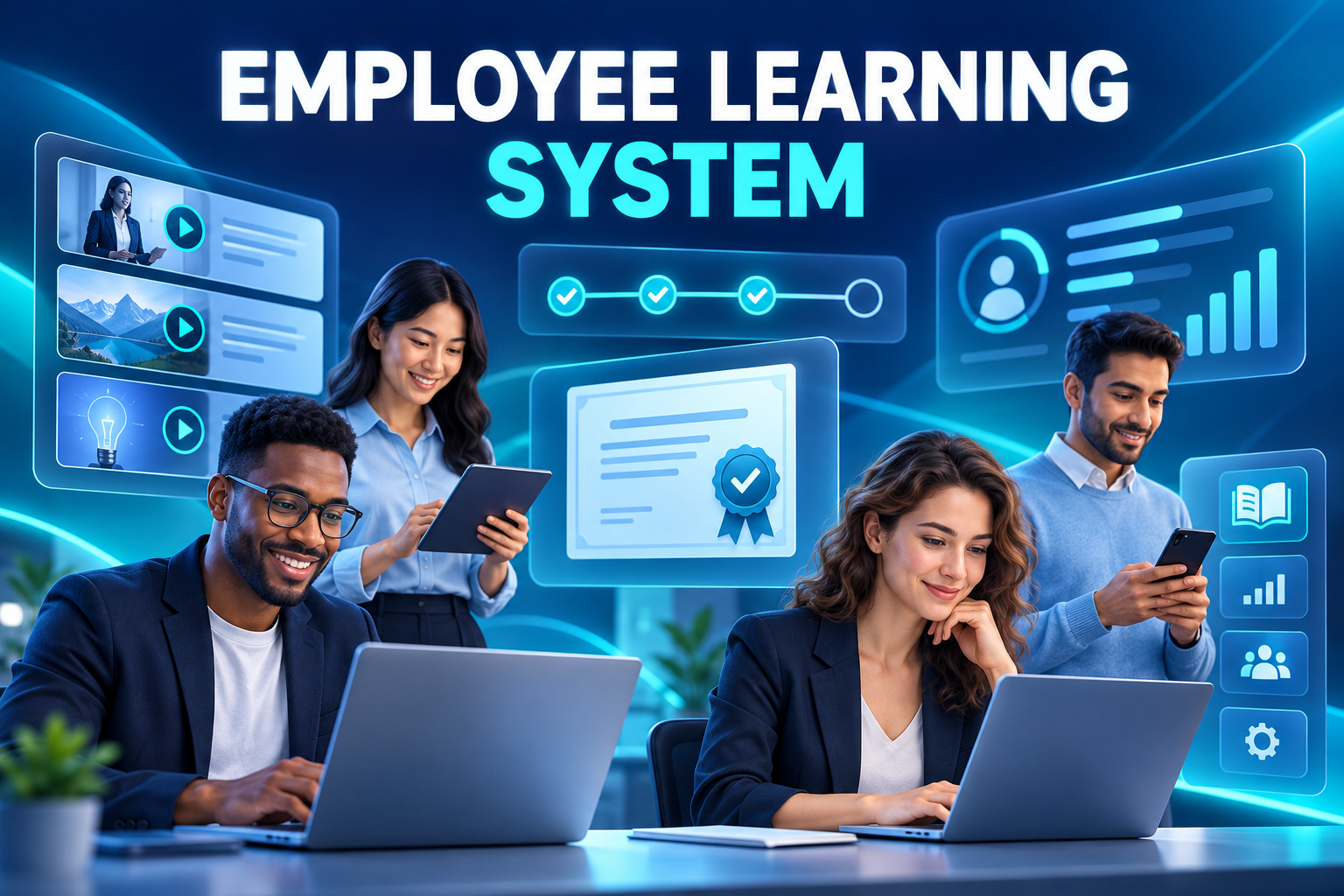
Employee Learning Management System: A Practical LMS Guide
Workplace learning involves more than publishing a library of videos. Organisations need to identify who requires training, deliver the right content, verify participation, evaluate results and monitor qualifications that need renewal.
When learning records are distributed across spreadsheets, webinar platforms and paper attendance sheets, HR cannot easily see whether a requirement has genuinely been completed.
An employee learning management system creates one operational framework for managing learning across the employee lifecycle.
What is an employee learning management system?
An employee learning management system, or LMS, is a digital platform used to plan, deliver and track workplace learning.
A corporate LMS can support self-paced digital courses, instructor-led sessions, virtual classrooms, assessments, certifications and blended programmes. It should connect learning activity with the employee’s role, manager, location and development needs.
Typical LMS records include:
Course and programme details
Learning format
Instructor
Target audience
Assignment and due dates
Enrolment status
Attendance
Course progress
Assessment results
Completion criteria
Certificates
Expiry and renewal dates
Learner feedback
Training cost
How is an LMS different from a content portal?
A content portal makes videos and documents available. An LMS manages what should happen before, during and after the content is accessed.
A learning management system should answer:
Who needs this training?
Why was it assigned?
Did the employee attend or complete it?
Was the assessment passed?
Does the qualification expire?
Which teams have overdue learning?
Can the manager see the team’s status?
Has the completed record updated the employee profile?
The distinction matters because opening a video is not necessarily evidence of learning or competence.
How does a digital learning workflow operate?
1. Identify the learning need
Learning requirements may originate from:
Onboarding
Role or position requirements
Performance conversations
Skills assessments
Internal mobility
A new product or process
Policy changes
Expiring qualifications
Employee development requests
The organisation should define the intended outcome before selecting or creating content.
2. Design the learning activity
The learning team configures the title, format, instructor, audience, capacity, schedule and completion criteria.
Formats may include:
Self-paced e-learning
Instructor-led classroom sessions
Virtual classrooms
Webinars
On-the-job learning
Coaching
Microlearning
Documents and policy acknowledgements
Blended learning programmes
The format should reflect the required outcome. A short digital module may explain a process, while a complex operational skill may require supervised practice.
3. Assign employees
Training can be assigned directly or through rules based on position, department, location, business unit or employee group.
For example, new hires may automatically receive onboarding modules. A promotion can trigger leadership learning, while a transfer to another site can create location-specific requirements.
Rule-based assignment reduces the risk of HR manually identifying every eligible employee.
4. Notify and remind learners
Employees receive assignments through mobile, web or email channels. Notifications can cover new courses, approaching sessions, overdue activities, assessments and certificate renewal.
Reminder design should consider urgency. Sending identical daily alerts for every course can produce notification fatigue.
5. Record attendance and progress
For classroom learning, QR attendance can replace paper lists. The organisation may add identity, session-time, location or instructor validation where appropriate.
For digital learning, the platform can record progress, completion and assessment activity. Progress information should be meaningful: leaving a browser tab open should not automatically demonstrate engagement.
6. Assess the result
Assessment methods may include:
Quizzes
Formal examinations
Practical demonstrations
Manager observation
Assignments
Scenario-based exercises
Post-training surveys
If an employee does not meet the required standard, the LMS can assign a repeat attempt, refresher content or manager follow-up.
7. Issue and retain certification
After the required conditions are met, the system can create or store a certificate.
The record may include the employee, programme, provider, issue date, expiry date, certificate number, evidence file and verification status.
The qualification can then become part of the employee profile or digital employee record.
Managing certification and renewal
Certificates often create a hidden administrative workload. HR teams maintain spreadsheets and periodically check which records will expire.
An integrated LMS can:
Record the certificate’s validity period.
Notify the employee and responsible team before expiry.
Create the required refresher programme.
Assign the employee automatically.
Track successful renewal.
Retain both historical and current evidence.
This approach turns certification from a static document into a managed lifecycle.
Connecting learning with skills
A large course catalogue does not automatically produce relevant development. Learning should connect with the capabilities required for the employee’s current or future role.
A skills-based workflow may include:
Identifying a capability gap
Recommending relevant learning
Receiving manager approval
Completing the activity
Assessing the skill
Updating the development plan
Reviewing workplace application
AI can suggest courses based on an employee profile, role or skill gap. Recommendations should remain explainable and open to employee and manager review. Historical course popularity alone does not prove relevance.
Using microlearning effectively
Microlearning delivers a short activity focused on a specific outcome. It is particularly useful when employees cannot leave operational work for long programmes.
A short module might:
Introduce a product update
Demonstrate one software task
Reinforce a safety procedure
Prepare a manager for a feedback conversation
Provide one step in a new-hire journey
Microlearning should not become a collection of unrelated short videos. Each activity needs a defined objective and a place within a learning path.
Connecting learning with the employee lifecycle
Onboarding
New hires receive role, policy, culture and system training according to a planned schedule.
Performance and development
Development objectives can create learning recommendations and manager follow-up actions.
Internal mobility
Employees preparing for another role can follow a defined reskilling pathway.
Compliance and qualification
The organisation assigns required learning and monitors completion or renewal.
Offboarding and knowledge transfer
Departing specialists may create or contribute to learning content that preserves critical organisational knowledge.
Benefits of employee learning software
Central learning records
Assignments, attendance, results and certificates are retained in one system.
Improved employee access
Employees can view required and optional learning through mobile and web channels.
Better manager visibility
Managers can monitor team progress and overdue requirements without requesting separate reports from HR.
Consistent training operations
Different locations can follow common standards while retaining appropriate local programmes.
Stronger certification control
Expiring qualifications become visible before they create an operational gap.
Measurable learning investment
Organisations can compare participation, completion, results, feedback and cost.
Improved auditability
The platform can show when training was assigned, completed and assessed.
Learning metrics that matter
Useful LMS reporting includes:
Assignment and enrolment volume
Completion rate
On-time completion
Attendance and absence
Assessment pass rate
Completion by department or location
Overdue mandatory learning
Certificates approaching expiry
Learning hours per employee
Cost per participant
Learner satisfaction
Repeat-attempt rate
Skills progression
Completion should not be the only success measure. Organisations should also consider retention, behaviour change and operational impact.
Common LMS implementation mistakes
Uploading content without a learning structure
A large content library can overwhelm employees when courses are not connected with roles or development paths.
Treating attendance as competence
Presence at a session does not prove that an employee can apply the subject.
Creating the same journey for everyone
Roles, experience levels and career goals require different pathways.
Separating certificates from employee records
Manual download and upload processes create duplicate and outdated evidence.
Measuring only course volume
A high number of completed courses may have little value if learning is irrelevant or cannot be applied.
How to choose an employee LMS
Ask providers to demonstrate:
Self-paced, classroom and blended learning
Mobile access
QR attendance
Course catalogues and learning paths
Video, document and assessment support
Automated employee assignments
Reminder and escalation rules
Certificate creation and renewal
Position and skills integration
Onboarding and performance connectivity
Manager self-service
Multi-entity and multi-location support
Role-based access
Training-cost tracking
Dashboards and exports
Audit history
A useful demonstration should follow one programme from employee assignment through QR attendance, assessment, certification and renewal.
Frequently asked questions
Is an LMS only for online courses?
No. It can also plan and track classroom, virtual, on-the-job and blended learning.
Can classroom attendance be recorded with a QR code?
Yes. QR attendance can simplify registration, supported by identity, time, location or instructor checks where required.
Can an LMS monitor expiring certificates?
Yes. Employees and responsible teams can receive alerts before a certificate expires and be assigned renewal training.
Can learning connect with performance management?
Yes. Development needs identified during performance discussions can trigger courses or learning paths.
Does opening a course mean it is complete?
Not necessarily. Completion can require progress thresholds, assessments, assignments or practical validation.
Build a connected learning lifecycle
HR&Tomorrow connects training planning, employee assignments, QR attendance, assessments and certificate management. Employees access learning through mobile channels, while HR and managers maintain visibility over progress and renewal requirements.
Request an HR&Tomorrow demo to see how a connected learning system can turn training administration into measurable employee development.