





Expense Management Software: From Receipt to Reimbursement
Learn how expense management software connects receipts, approvals, policy checks, advances and reimbursement while improving finance and employee visibility.
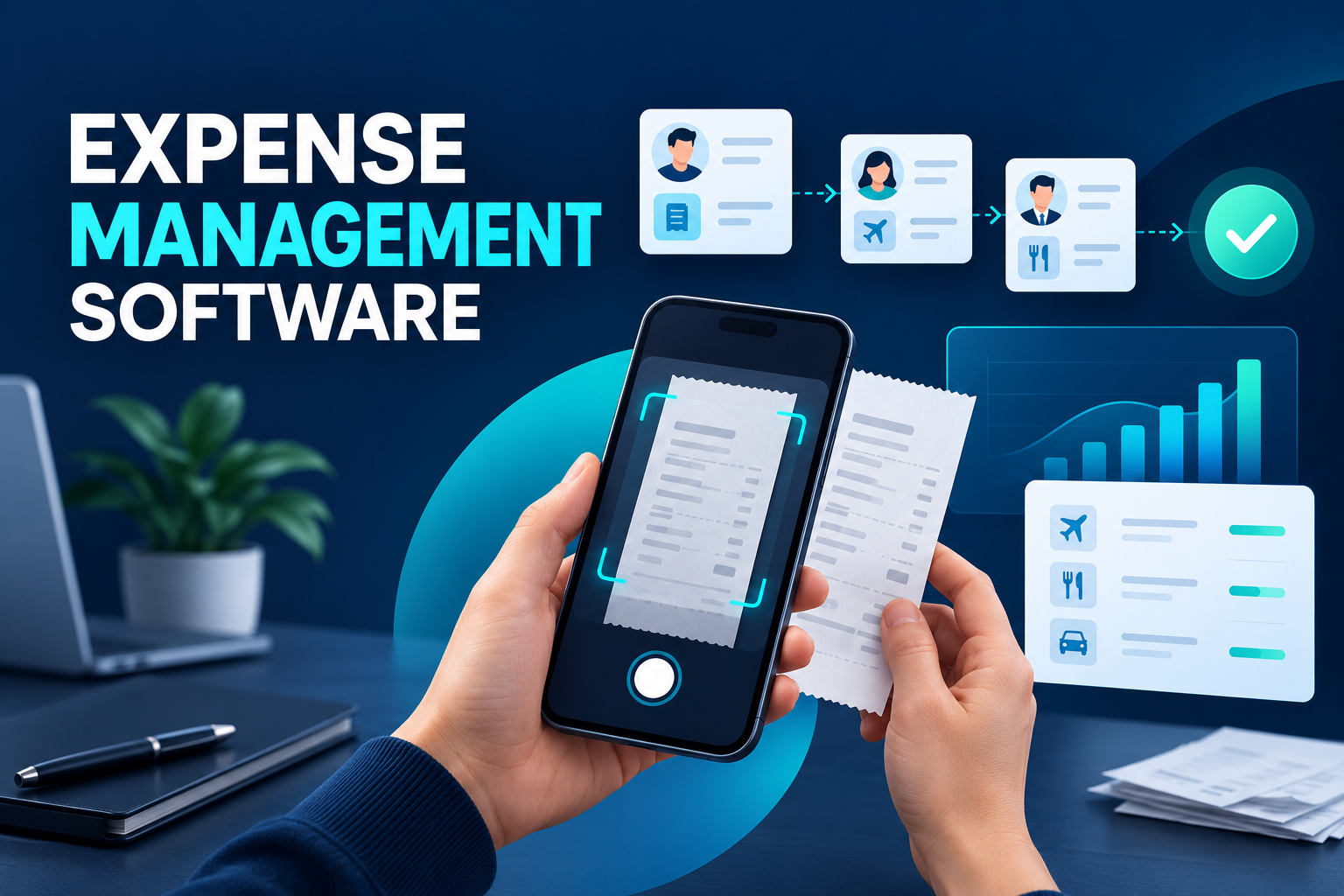
Expense Management Software: From Receipt to Reimbursement
Employee expenses create work for several teams. Employees need a convenient way to submit claims, managers need enough context to approve them, finance must verify supporting evidence, and accounting needs correctly coded data.
When receipts arrive through email and claims are tracked in spreadsheets, no one has a complete view. Employees ask when they will be reimbursed, managers approve incomplete information, and finance re-enters approved totals into another system.
Expense management software creates a controlled path from the original transaction to accounting and reimbursement.
What is expense management software?
Expense management software is a platform for capturing, reviewing, approving and processing employee business expenses.
It connects each claim with the relevant employee, entity, cost centre, project, receipt and approval history. Depending on the organisation’s operating model, it can also manage cash advances, travel expenses, corporate cards and mileage claims.
A complete expense record should explain:
Who incurred the cost
What business purpose it served
When and where it occurred
Which category, project or client it belongs to
What supporting evidence was provided
Which policy checks were applied
Who reviewed and approved it
How it was posted to accounting
Whether the employee was reimbursed
This structure replaces disconnected documents with a traceable transaction.
How does an expense management workflow operate?
The organisation configures its expense policy
Finance defines categories, limits, documentation requirements and approval routes. Rules may differ by country, legal entity, employee group or type of travel.
Local tax, VAT or GST treatment should be configured with the organisation’s finance and tax advisers. A global platform needs local flexibility rather than one universal tax rule.
The employee captures the transaction
Employees can enter the expense through a web portal or mobile application. They select the category and add the amount, currency, business purpose, project or cost centre.
The best experience asks only for information relevant to that expense type. A hotel claim, mileage entry and client meal should not necessarily use identical forms.
The receipt is uploaded
Mobile receipt capture allows an employee to photograph evidence immediately. Optical character recognition can suggest the merchant, transaction date, amount, currency and tax information.
These values should remain visible for confirmation. Poor images, handwritten receipts and unfamiliar formats can produce inaccurate results.
Automated checks are performed
The platform can compare the submission with configured rules and identify:
Missing receipts
Category-limit breaches
Duplicate documents
Dates outside an approved trip
Unsupported currencies
Missing participants or business purpose
Unauthorised cost centres
Possible corporate-card matches
A policy exception does not always justify automatic rejection. The software may request an explanation or add another approver.
The claim enters approval
Routing can reflect the employee’s manager, claim value, entity, project or exception status. Managers should see the receipt, itemised expenses and policy warnings—not only a single total.
Escalations, reminders and delegated approval help prevent claims from remaining with an unavailable manager.
Finance completes its review
Manager approval confirms the business purpose but does not necessarily complete the financial review. Finance may still need to verify documentation, coding and tax treatment.
The platform should allow finance to return an individual item for correction without forcing the employee to rebuild the entire report.
Approved data reaches accounting and payment
Once validated, the transaction can transfer to an ERP, accounting platform, payroll process or payment system.
Employees should be able to see whether their claim is submitted, awaiting approval, under finance review, scheduled for payment or reimbursed.
Expense claims, cash advances and reimbursement
These concepts represent different stages of the process.
Cash advance
A cash advance provides funds before expected business expenditure. The employee may request an amount for travel, field work or another approved activity.
Expense claim
The claim documents what was actually spent. It may contain several transactions, currencies and categories supported by receipts.
Settlement and reimbursement
The system compares the documented expenditure with any advance. An unused balance may need to be returned, while spending above the advance may require reimbursement.
Linking these records prevents finance from managing advances and related expenses in separate spreadsheets.
Connecting corporate cards with expense reports
Corporate cards reduce the need for employees to fund business purchases personally, but they do not remove the need for documentation and coding.
An integrated system can import card transactions and suggest matches with uploaded receipts. Employees then add the business purpose, category and project information.
The platform should identify unmatched transactions, missing receipts and potential duplicates. It should also preserve the difference between a bank transaction and an approved accounting record: importing a card charge does not confirm that the expense is compliant.
Policy controls without unnecessary friction
Expense controls should help employees submit correct information at the first attempt.
Preventable errors
The system can block submission when essential information is missing—for example, no amount or no cost centre.
Explainable warnings
When a limit is exceeded, the employee should see the relevant rule and know what action is required.
Managed exceptions
Legitimate business situations do not always fit standard policy. The employee should be able to provide an explanation and route the claim for additional approval.
Proportionate evidence
Documentation requirements can reflect the value and type of expense. Applying the most burdensome workflow to every low-value transaction creates administrative cost without necessarily improving control.
Where AI can support expense management
AI can assist with receipt extraction, category recommendations, duplicate detection and anomaly alerts. It may identify a transaction that differs significantly from typical claims for the same category or location.
However, unusual does not automatically mean inappropriate. A model may not understand a new supplier, emergency trip or local price difference.
Organisations should retain human review, show the reason for an alert and allow authorised users to correct classifications. AI works best as a prioritisation tool—not as an unexplained final decision-maker.
Benefits for employees, managers and finance
Faster employee submissions
Mobile capture allows employees to record expenses while the context and receipt are still available.
Shorter reimbursement cycles
Automated routing and visible bottlenecks reduce the time between submission and approved payment.
Better manager decisions
Approvers receive the evidence, business purpose and policy status in one view.
Less finance administration
Validated data can reach accounting without repeated spreadsheet consolidation and manual re-entry.
Improved spending visibility
Structured records support analysis by entity, department, supplier, project, category and period.
Stronger audit history
The organisation can trace uploads, changes, approvals, returns and exports without reconstructing the process from email.
Common implementation mistakes
Digitising a complicated paper form
Moving every existing field into a mobile screen does not improve the process. The form should be redesigned around employee context and expense type.
Treating every exception as misconduct
Some policy exceptions have valid business reasons. The workflow should distinguish between missing information, an approved exception and a genuinely prohibited expense.
Delaying ERP integration
If finance must re-enter every approved claim, a major source of error and effort remains in place.
Ignoring international requirements
Currencies, tax fields, mileage rules and evidence standards can vary. Multi-country organisations need configuration by jurisdiction and entity.
Hiding payment status
Employees should not have to contact HR or finance to learn whether an approved claim has been reimbursed.
How to choose expense management software
Ask providers to demonstrate:
Mobile receipt capture
OCR with employee verification
Cash advances and settlement
Multi-currency claims
Configurable expense categories
Policy limits and exception workflows
Duplicate-receipt controls
Corporate-card reconciliation
Multi-level approvals
Delegation and escalation
Project and cost-centre allocation
VAT or GST field configuration
Batch finance review
ERP, payroll and payment integrations
Role-based access
Audit history
Employee payment-status visibility
Reporting and exports
A useful demonstration should include a realistic exception: a foreign-currency hotel charge, a cash advance, one missing receipt and a policy-limit breach.
Frequently asked questions
Can expense management software replace spreadsheets?
Yes. It can connect claims, receipts, approvals, coding and payment status in one workflow, significantly reducing the need for spreadsheet trackers.
Does mobile receipt capture eliminate finance review?
No. It accelerates data entry, but extracted information and accounting treatment may still require employee and finance verification.
Can the platform manage multiple currencies?
Many platforms support multi-currency claims and conversion data. The organisation should confirm how exchange rates, dates and accounting entries are handled.
Can corporate-card transactions be reconciled automatically?
Imported transactions can be matched with receipts and employee submissions. Uncertain or unmatched items should remain visible for review.
Should every policy exception be rejected?
No. A controlled workflow can request an explanation and route the item to an additional approver when a legitimate exception is possible.
Create a connected expense experience
HR&Tomorrow connects employee expense submissions, cash advances, mobile documents and approval workflows in one platform. Employees gain a clear self-service experience while managers and finance teams receive the information required for timely decisions.
Policy warnings, detailed tax fields, batch processing and integration options help organisations reduce manual work while maintaining visibility from receipt to reimbursement.
Request an HR&Tomorrow demo to see how connected expense management can improve employee experience and financial control.