





Mobile Signatures in HR: Which Employee Documents Can Be Signed?
Learn how mobile signatures help HR teams sign contracts, policies and employee documents securely while preserving identity, integrity and audit evidence.
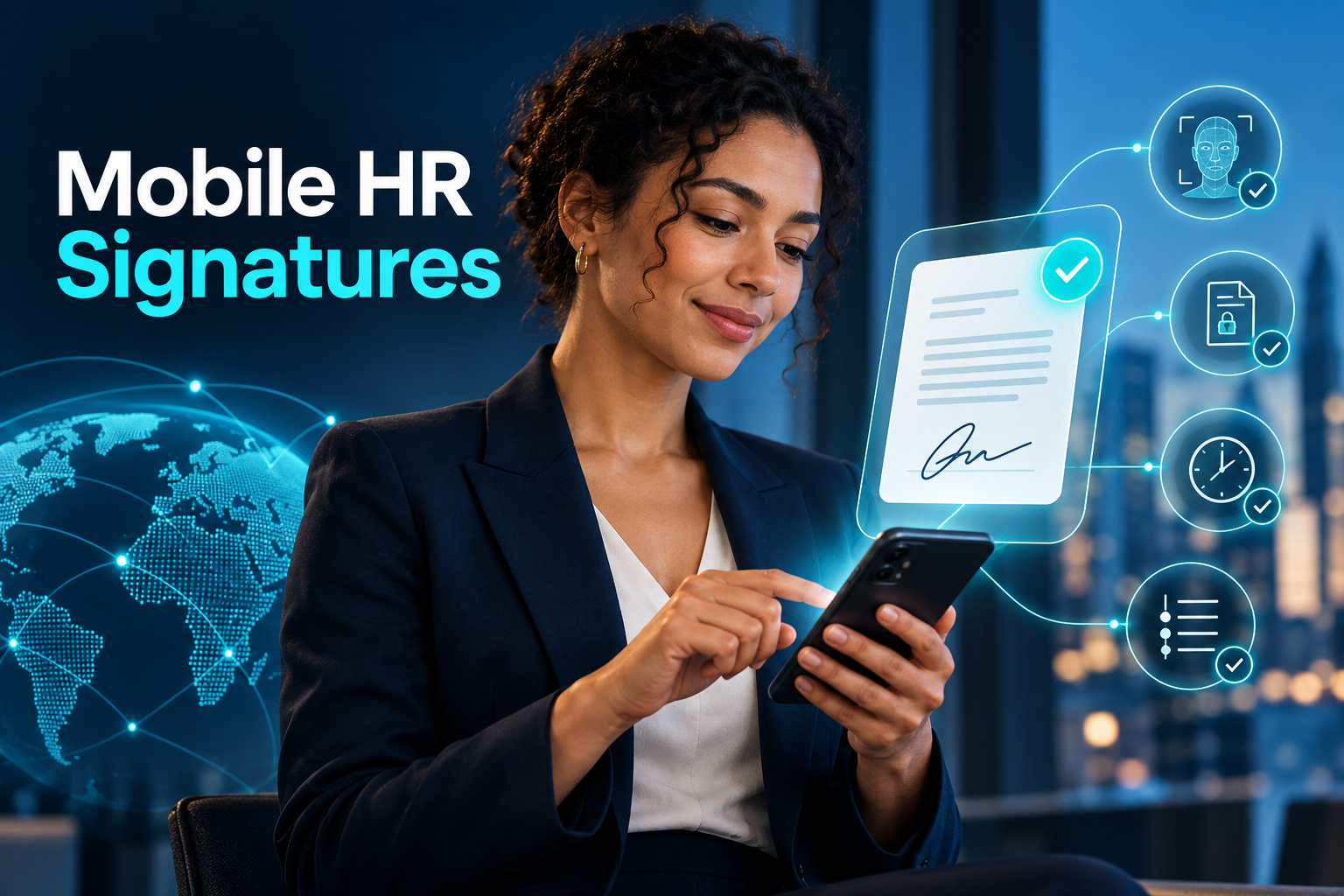
A signature process can become surprisingly slow when employees work across offices, stores, factories, homes and customer sites. HR sends a document, the employee prints it, signs it, scans it and returns a copy—sometimes after the document has already been updated.
Mobile signatures replace this fragmented process with a controlled workflow. Employees can review and sign assigned documents from a smartphone while HR monitors completion centrally.
The important question is not simply whether a signature appears on the screen. Organisations need evidence of who signed, what they signed, when they signed and whether the document changed afterwards.
What is a mobile signature?
A mobile signature is an electronic signature created or authorised through a mobile device.
The term can describe different technologies. In some markets, it refers to a certificate-based qualified or secure electronic signature activated through a phone or SIM. Elsewhere, it may describe a cloud-signing service, biometric interaction, one-time password or signature drawn on a touchscreen.
These methods do not automatically carry the same legal status or evidential strength. Organisations should distinguish among:
Qualified or certificate-based electronic signatures
Advanced electronic signatures
Simple electronic signatures
One-time-code approvals
Click-to-accept acknowledgements
Images of handwritten signatures
The applicable law, document type and required level of evidence determine which method is appropriate.
What should a reliable signature prove?
A defensible mobile-signature workflow should address four questions.
Who performed the action?
The system should connect the transaction with an identified user. Authentication may include an account, password, trusted device, multifactor verification or digital certificate.
What did the person sign?
The exact document version must be preserved. A signature attached to a document that can later be replaced or edited provides weak evidence.
When was it signed?
The transaction record should contain a reliable date and time. A trusted timestamp may strengthen evidence that particular data existed at a defined moment.
Has the document changed?
Integrity controls should reveal any modification made after signing. If a document needs correction, the controlled approach is to create a new version and collect new signatures.
Which HR documents can use mobile signatures?
The answer depends on jurisdiction, form requirements and organisational risk. The following categories are common candidates for digital workflows.
Employment agreements and amendments
Employment contracts, remote-working agreements and changes to role, location or compensation may be routed for electronic signature where local rules permit.
The platform should show each party the complete document and retain the fully executed version. HR should not assume that a signature method accepted for an internal request will also satisfy the requirements for an employment contract.
Job descriptions and policy acknowledgements
Employees can receive job descriptions, codes of conduct, information-security policies and remote-working rules through a mobile application.
The workflow should distinguish among document delivery, acknowledgement and signature. Confirming that a policy was displayed does not necessarily prove that it was read, understood or contractually accepted.
Leave, overtime and schedule requests
Leave requests, overtime approvals, time-off-in-lieu records and shift changes are well suited to mobile workflows.
Many of these transactions may require an authenticated approval and audit history rather than the strongest available electronic-signature method. The system should apply a proportionate control to each process.
Equipment and asset records
Mobile signing can document the delivery or return of laptops, phones, access cards, vehicles and protective equipment.
The record should identify the asset, serial number, condition, date and responsible parties. A generic signature attached to an incomplete inventory provides little operational value.
Training and compliance records
Employees can acknowledge training materials, safety instructions and required policies from a mobile device.
Organisations should separate acknowledgement from competence. Opening a training file or signing an attendance form does not demonstrate that the employee understood the material. Completion tests and training outcomes may need separate records.
Payroll and compensation documents
Payslips, compensation statements and benefit documents can be delivered through secure self-service channels. The system can retain evidence of delivery, access or signature.
These actions have different meanings. Viewing a payslip does not necessarily indicate agreement with every calculation, and signing a document may not waive statutory rights.
Offboarding documents
Equipment returns, handover records and access-closure checklists can be completed digitally. Documents affecting termination rights, releases or final settlements may have stricter execution requirements and should receive jurisdiction-specific legal review.
How does a mobile HR signature workflow operate?
1. Generate the controlled document
HR creates the final document from approved employee data and templates. The system assigns a version and prevents drafts from entering the signature process.
2. Assign the correct signatories
The workflow identifies the employee, employer representative and any required approvers. Routing rules should prevent a document from being sent to the wrong person or legal entity.
3. Authenticate the user
The employee signs in through an approved authentication process. Higher-risk documents may require stronger identity verification than routine internal requests.
4. Present the complete content
The employee should be able to review the full document before acting. Important terms should not be hidden behind a checkbox or shown only after signature.
5. Capture the signature and evidence
The platform applies the selected signature method and records the document version, time, identity evidence, certificate information where relevant and transaction result.
6. Complete and distribute the record
Once all required parties have signed, the platform creates the completed record and provides access to each party.
7. Transfer it to the employee file
The executed document enters the employee’s digital record with the correct category, effective date, permissions and retention rule.
Security and privacy requirements
Mobile signing processes may involve identification, compensation and employment information. Security therefore needs to extend beyond the signature screen.
Important controls include:
Role-based document access
Multifactor authentication
Encryption in transit and at rest
Document-integrity verification
Certificate and signature validation
Detailed transaction history
Controlled downloads
Expiry and revocation checks
Retention and deletion rules
Immediate access removal for leavers
Secure integration with HRIS and document systems
The organisation should also minimise the information displayed in notifications. A lock-screen message should not reveal confidential compensation or employee-relations details.
Common implementation mistakes
Treating every approval as a legal signature
An authenticated click can be useful evidence, but it should not be described as a qualified signature when it does not meet the relevant requirements.
Using one method for every document
A leave request and a settlement agreement do not create the same risk. Applying one signature method everywhere may be either insufficient or unnecessarily expensive.
Losing the signed version
Storing only a signature image or completion status is not enough. The organisation must retain the exact content connected with the transaction.
Ignoring the employee experience
If the document is unreadable on a phone or the authentication process repeatedly fails, employees will seek insecure workarounds.
Separating signature from employee records
Downloading completed files and manually uploading them to employee folders reintroduces errors. Signed documents should move automatically into the correct controlled record.
How to choose a mobile-signature solution
Ask providers to demonstrate:
How employee identity is verified
Which electronic-signature standards are supported
How document versions are protected
Whether post-signature changes are detectable
How timestamps and certificates are validated
How multiple signatories are routed
How employees receive completed copies
How permissions differ by document category
How signed records transfer to the HR platform
How retention and deletion are configured
What happens when a certificate expires or is revoked
How failed or disputed transactions are investigated
Use a realistic demonstration combining an employment amendment, two signatories and a corrected document. This reveals whether the platform manages the complete lifecycle rather than merely placing a signature image on a PDF.
Frequently asked questions
Is a signature drawn on a phone legally binding?
It may provide evidence of intent, but it is not automatically equivalent to a qualified or secure electronic signature. The answer depends on the jurisdiction, transaction and supporting evidence.
Is an SMS code an electronic signature?
It can form part of an electronic approval process, but it does not automatically satisfy every legal definition of an advanced, qualified or secure electronic signature.
Can employees sign employment contracts on mobile devices?
Often yes, when electronic execution is permitted and the signature method satisfies the applicable requirements. Local form rules and exclusions must still be checked.
Should employees receive a copy after signing?
Yes. Each party should be able to access or download the completed document through a secure channel.
Can a signed document be corrected?
The executed version should remain unchanged. Corrections should create a new controlled version that is routed for signature again.
Connect mobile signing with the employee record
A mobile signature creates the greatest value when it is part of a connected document lifecycle. HR should be able to generate a document from approved data, route it to the correct people, monitor completion and archive the final version without repeated downloads and uploads.
HR&Tomorrow connects mobile employee actions with document workflows and digital employee records. Authorised users maintain visibility over versions, status and transaction history while employees complete assigned documents through secure mobile and web experiences.
Request an HR&Tomorrow demo to see how mobile signatures can turn employee documents into a secure, traceable and connected HR workflow.