





Org Chart Software: Build a Dynamic Workforce Structure
Discover how org chart software connects employees, positions, reporting lines and vacancies to create a dynamic foundation for workforce planning and HR.
Org Chart Software: Build a Dynamic Workforce Structure
An organisation chart is often treated as a presentation file that HR updates before a leadership meeting. By the time it is distributed, someone may have joined, transferred, changed manager or left.
The problem is not merely an outdated diagram. Reporting relationships influence approvals, access, performance reviews, recruitment and workforce planning. When the organisational structure is unreliable, these connected processes can also become inaccurate.
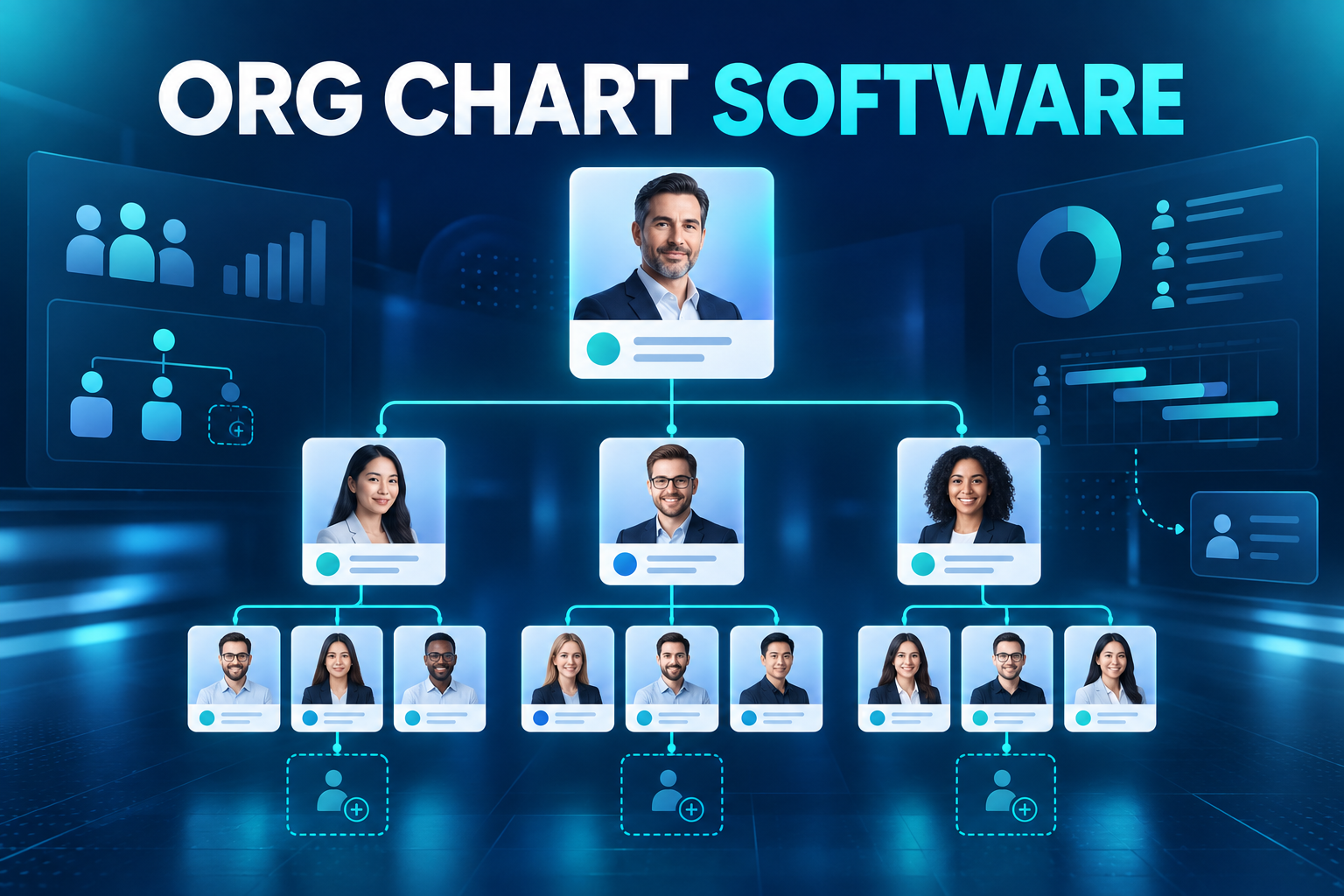
Org chart software turns the hierarchy into a dynamic workforce model linked with employee and position data.
What is org chart software?
Org chart software is a digital platform that visualises and manages relationships among employees, positions, teams, departments and legal entities.
Unlike a manually designed diagram, a dynamic org chart draws information from the HR system. It can update when an employee moves, a reporting line changes or a vacant position is filled.
Depending on permissions, a chart may show:
Employee name and profile image
Job title and position
Direct manager
Department and business unit
Legal entity
Location
Team size
Position status
Contact information
Matrix reporting relationships
Interim or delegated responsibility
Approved vacancies
The chart should display only the information appropriate for each audience. A company directory and a strategic workforce-planning view do not need identical access rights.
Why static organisation charts fail
They become outdated quickly
Joiners, leavers, transfers and promotions create continuous change. Manual diagrams depend on someone recognising every event and updating every copy.
They confuse employees with positions
An employee is a person; a position is an approved place within the organisation. When an employee leaves, the position may remain. Static charts often remove both, hiding genuine vacancies.
They cannot support scenario planning
A picture of the current organisation does not easily represent a proposed restructure, planned growth or an unapproved future state.
They create inconsistent versions
HR, finance and department leaders may maintain separate charts. Each file can contain different reporting relationships and headcount totals.
They expose too much information
A file exported for one purpose may be forwarded to people who should not see every employee or field. Role-based digital access provides more control.
How does dynamic org chart software work?
Organisational units are defined
The platform establishes the organisation’s entities, business units, departments, teams and locations.
A multi-entity business may use similar department names across several companies. Clear identifiers and effective dates prevent those units from being incorrectly combined.
Positions are created
A position represents a specific approved role in the organisational structure. Several positions can share the same job title while belonging to different teams, cost centres or locations.
A position record may contain:
Parent position
Department
Legal entity
Location
Employment category
Job family and level
Cost centre
Budget status
Job description
Required skills
Occupancy status
Employees are assigned to positions
Active employees are connected with approved positions. This allows the platform to show both people and structural capacity.
When an employee leaves, the platform can mark the position as vacant instead of deleting it. Recruitment can then continue against the approved role.
Reporting relationships are configured
A simple organisation may have one manager for each employee. Matrix businesses may need administrative, functional, project and regional reporting relationships.
The system should identify which manager controls each process. The person approving leave may not be the same person evaluating technical performance.
Effective dates control change
A promotion or transfer may be approved today but take effect next month. Effective-dated records allow HR to retain the current structure while preparing the future organisation.
Historical views can also explain who managed a team during a previous reporting period.
Employee hierarchy versus position management
An employee hierarchy shows who currently reports to whom. Position management describes the approved organisational capacity, including roles that do not yet have an employee.
Consider a customer-support team with ten approved positions. Eight are occupied, one candidate has accepted an offer and one remains vacant. An employee-only chart shows eight people. A position-based model shows the complete authorised structure.
Position management helps answer:
How many roles are approved?
Which positions are filled, vacant or frozen?
Who approved a new role?
Which cost centre funds it?
Is recruitment already in progress?
What happens to the role when its current employee leaves?
Which position will supervise it?
This distinction is essential for reliable headcount and workforce planning.
Connecting vacancies with recruitment
A vacant position can initiate a connected recruitment workflow.
Requisition creation
The manager requests recruitment against an existing vacancy or proposes a new position. The workflow captures business need, budget and approvals.
ATS handover
Once approved, position data transfers to the applicant tracking system. Recruiters can use the location, department, job profile and hiring manager without entering them again.
Candidate-to-employee conversion
After an offer is accepted, the candidate enters onboarding. On the effective start date, the employee is assigned to the position and appears in the live organisation chart.
This connection creates continuity from workforce plan to requisition, candidate, employee and eventual succession.
Processes that should use organisational data
Employee approvals
Leave, overtime and expense requests need an accurate approval destination. A reporting-line change should update future workflows without manual reconfiguration.
Performance management
The correct manager must receive goals, check-ins and review tasks. Matrix structures may require multiple reviewers or contributors.
Access management
Managers should see only the employee population relevant to their responsibilities. Organisational relationships can help define that scope.
Onboarding and offboarding
The manager receives onboarding tasks when a new employee joins. When a manager leaves, open tasks and direct reports require reassignment.
Workforce budgeting
Position, entity, department and cost-centre information connects organisational design with headcount and labour-cost planning.
Learning and compliance
Training can be assigned according to position, department, location or reporting level. A transfer may automatically create new requirements.
Benefits of org chart software
A trusted view of the organisation
Employees and authorised leaders use one current source instead of competing presentation files.
Better workforce planning
HR can compare approved, occupied, vacant and planned positions by business unit or location.
Clearer employee navigation
New hires and distributed teams can understand who is responsible for a function and how departments connect.
Faster organisational change
Transfers, promotions and reporting-line updates can flow from one controlled transaction into connected HR processes.
Improved span-of-control analysis
Leaders can identify managers with unusually large or small teams and assess whether layers support effective decision-making.
Stronger succession discussions
Critical positions can be identified independently from their current occupants, creating a better foundation for succession planning.
Security and governance
Organisational data can include confidential current and future changes. Access therefore needs to be controlled by purpose.
Important safeguards include:
Role-based visibility
Employee-population restrictions
Field-level controls
Separate access for proposed structures
Limited export permissions
Audit history
Effective-date controls
Access removal for leavers
Secure HRIS and ERP integrations
Future restructures should not become visible to the wider workforce before the organisation is ready to communicate them.
Common implementation mistakes
Building the chart from job titles alone
Titles do not uniquely identify positions. The model needs stable position records and reporting relationships.
Allowing parallel sources of truth
If departments continue maintaining unofficial spreadsheets, confidence in the central platform will remain low.
Deleting positions when employees leave
Removing both the employee and the position can hide approved vacancies and distort headcount planning.
Ignoring matrix relationships
Forcing every organisation into a single hierarchy may send tasks and approvals to the wrong manager.
Giving everyone the same view
Employees, managers, HR, finance and executives require different information and planning capabilities.
How to choose org chart software
Ask providers to demonstrate:
Employee and position views
Vacant and frozen positions
Multiple entities and locations
Administrative and functional managers
Matrix structures
Effective-dated changes
Historical structures
Future-state scenario planning
Position and headcount approvals
Span-of-control reporting
Search and filtering
Role-based visibility
Recruitment and onboarding integration
Approval-workflow integration
HRIS, payroll and ERP connectivity
Audit and version history
A useful demonstration should include a manager departure, reassignment of direct reports, a vacant position and a new hire entering the future structure.
Frequently asked questions
Can an org chart update automatically?
Yes. When it is connected with employee and position records, approved joiner, leaver and transfer events can update the chart.
What happens to a position when an employee leaves?
If the role remains authorised, the employee is removed while the position becomes vacant. It can then support a recruitment requisition.
Can org chart software support matrix organisations?
Yes, provided the platform supports multiple relationship types and clearly defines which manager owns each workflow.
Should every employee see the complete organisation?
Not necessarily. Visibility should reflect the organisation’s policy, the user’s role and the sensitivity of the information.
Can an org chart support workforce planning?
Yes. Position-based software can show approved capacity, vacancies, reporting layers and proposed structures alongside current employees.
Turn your hierarchy into connected workforce data
HR&Tomorrow brings employees, positions, departments, managers and vacancies into a dynamic organisational structure. Changes can flow into recruitment, onboarding, approvals, performance and other HR processes instead of remaining in a separate diagram.
Request an HR&Tomorrow demo to see how a connected organisation chart can improve workforce visibility, position management and employee workflows.