


Pre-Payroll Validation: A Checklist for Accurate Payroll Runs
Use this pre-payroll validation checklist to verify employee, attendance, leave, payment and variance data before approving an accurate payroll run each month.
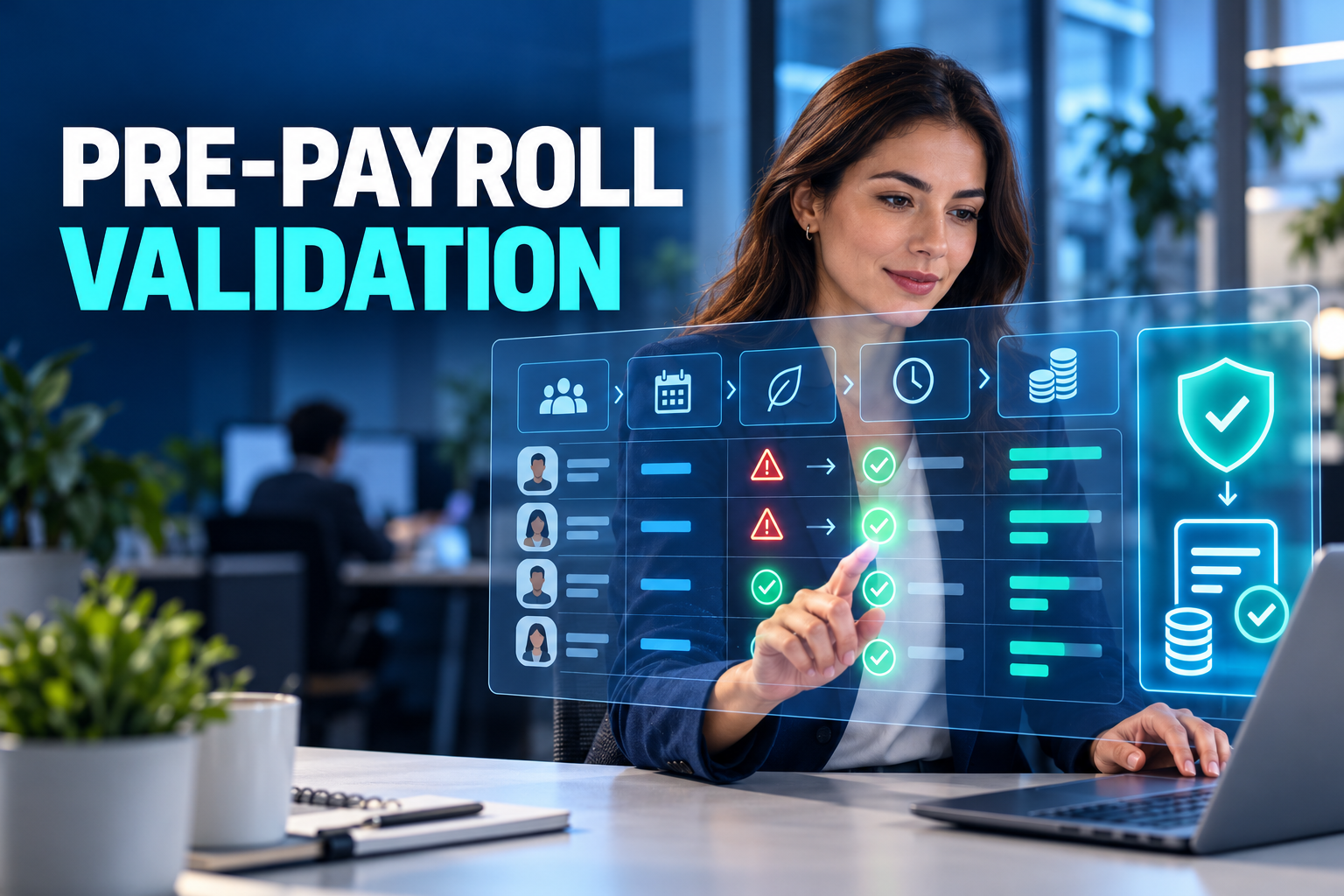
A payroll error discovered before payment is usually a data correction. The same error discovered after payment can become an employee query, bank adjustment, accounting correction and off-cycle payroll run.
Pre-payroll validation creates a controlled checkpoint between calculation and release. It confirms that source data is complete, identifies results that fall outside expected patterns and reconciles payroll with payment and finance outputs.
The objective is not to make payroll fully autonomous. It is to direct payroll professionals toward the records that require judgement.
What is pre-payroll validation?
Pre-payroll validation is the structured review of payroll inputs, calculated results and downstream outputs before payroll is approved.
A reliable process answers three questions:
Did every required workforce event reach payroll?
Are the calculated results consistent with approved records and expected patterns?
Do payroll, payment and finance totals reconcile?
Validation rules identify known errors, such as a missing bank account. Anomaly detection identifies unusual results, such as a sudden increase in net pay. The second case may be legitimate, but it still deserves review.
Why payroll errors occur
Workforce changes arrive late
New hires, terminations, salary adjustments, promotions and transfers may be approved in one system but not reflected in payroll.
Time data is incomplete
Missing clock events, incorrect schedules, unapproved overtime and unresolved absences can produce inaccurate earnings or deductions.
Leave systems are disconnected
Unpaid leave, sickness absence and partial-day leave may be recorded differently across absence, attendance and payroll platforms.
One-time items become recurring
A bonus, allowance, reimbursement or deduction intended for one cycle may remain active in the following period.
Manual files introduce version risk
When teams exchange spreadsheets, they may import the wrong version, shift values between employees or lose the explanation for a manual adjustment.
A seven-stage pre-payroll validation checklist
1. Confirm the payroll population
Begin by validating who should and should not be included in the payroll run.
Review:
New starters
Leavers
Employees transferred between entities
Changes in employment status
Salary and allowance updates
Bank-detail changes
Employees on extended absence
Suspended or inactive records
Off-cycle payment populations
Start and termination dates should align with the calculation period. A leaver continuing to receive recurring allowances or a new starter missing from the payment population should enter an exception queue.
For multi-entity organisations, confirm that each employee appears under the correct legal employer and payroll group.
2. Validate time and attendance
Attendance data should be approved before it becomes a payroll input.
Checks may include:
Missing clock-in or clock-out events
Planned versus actual schedules
Unexplained absence
Late arrival and early departure rules
Weekend and public-holiday work
Night-shift activity
Approved overtime
Time off in lieu
Manual attendance changes
Manager approval status
The platform should not silently convert an incomplete event into a standard working day. Missing or conflicting records should remain visible until an authorised user resolves them.
3. Reconcile leave and sickness absence
Approved absence records should match the dates and categories transferred into payroll.
Validate:
Paid versus unpaid leave
Full-day and partial-day absence
Sickness certificate dates
Leave spanning two payroll periods
Cancelled requests
Attendance during an approved absence
Overlapping leave types
Return-to-work dates
Country-specific absence categories
Where health documents are involved, payroll should receive only the information needed for calculation. Detailed medical content should remain restricted.
4. Review variable pay
Variable earnings require both calculation and approval controls.
Typical items include:
Overtime payments
Shift premiums
Sales commissions
Performance bonuses
On-call payments
Retroactive salary differences
Travel or field allowances
One-time recognition awards
Other taxable or non-taxable benefits, subject to local rules
Each item should include the source period, owner, approval status and payment period. The system should flag duplicate imports and values outside defined tolerances.
5. Verify deductions and recoveries
Deductions can create immediate employee-relations issues when they are wrong.
Review:
Employee advances
Benefit contributions
Meal or transport contributions
Court-ordered deductions
Employee loans
Prior-period corrections
Expense-related recovery
Insurance deductions
Other locally permitted items
Every deduction should have an authorised basis, remaining balance and transaction history. Completed recoveries must stop automatically rather than depending on someone deleting a spreadsheet row.
6. Compare results with expected patterns
The payroll team should compare the current run with previous periods and workforce events.
Useful anomaly rules include:
Net pay changes beyond a defined threshold
Zero or negative net pay
Unusually high overtime
Unexpectedly low or high paid days
Duplicate earnings or deductions
Missing bank information
Several employees sharing one bank account
A recurring payment continuing after termination
A new hire without base salary
Gross pay remaining stable while net pay changes materially
Department payroll cost moving without a known workforce event
Thresholds should vary by employee population. Commission-based workers, hourly employees and fixed-salary professionals do not have identical patterns.
An anomaly should not automatically block payment. It should require review, explanation or authorised override.
7. Reconcile payroll with payment and finance
Before release, compare:
Approved payroll net total
Bank payment-file total
Number of employees and payment lines
Payroll control totals
Accounting or ERP posting totals
Cost-centre distribution
Manual and off-cycle payments
Rejected or excluded payments
Every difference should have a documented reason. A small variance is not automatically immaterial if it represents a missing employee payment.
Designing an exception-based workflow
Opening every employee calculation is inefficient and does not guarantee accuracy. A stronger model checks all records automatically and sends exceptions to the appropriate owner.
A practical workflow is:
HR closes workforce changes.
Managers approve time, leave and overtime.
Payroll runs the preliminary calculation.
The platform applies validation and anomaly rules.
Owners correct or explain exceptions.
Payroll recalculates affected employees.
A second user completes final approval.
Finance receives controlled payment and accounting outputs.
If a recalculation changes approved values, the approval should be reconsidered. The audit history should preserve the original result, correction, user and reason.
What should a payroll control dashboard show?
A useful dashboard should focus on action rather than display hundreds of totals.
It may show:
Payroll groups ready for review
Missing employee master data
Unapproved time records
Leave and attendance conflicts
Variable payments awaiting approval
Duplicate items
Net-pay anomalies
Negative or zero payments
Bank-detail exceptions
Reconciliation differences
Corrections after approval
Final sign-off status
Users should be able to move from the summary directly to the affected record and its source data.
Controls for multi-country payroll
Global organisations may calculate payroll through local providers, internal teams or multiple platforms. A shared validation framework can create consistent governance without assuming identical rules.
Global controls may cover:
Population completeness
Approval status
Movement against prior periods
Payment reconciliation
Access segregation
Provider delivery status
File transmission
Sign-off evidence
Local teams should own jurisdiction-specific calculation, reporting and filing rules. Global HR technology should support local configuration rather than forcing one calculation model across countries.
Segregation of duties and access
Sensitive payroll data should be available only to authorised roles.
A controlled process separates:
Employee-data maintenance
Time approval
Payroll calculation
Exception resolution
Final payroll approval
Payment-file release
Accounting posting
Smaller teams may not be able to assign a different person to every stage. In that case, secondary approval, restricted access and detailed audit history become more important.
Payment files should not be editable through an uncontrolled spreadsheet after payroll approval.
Official reporting and system validation
In Türkiye, the Muhtasar and Premium Service Declaration combines relevant withholding information with insured employees’ premium, earnings and service-day data. Official guidance also explains that electronic submissions receive system controls and errors may be returned for correction. istanbul.gib.gov.tr
System acceptance does not replace internal payroll validation. A submission may pass structural checks while the underlying business input remains incorrect.
Organisations should verify current filing instructions, rates and deadlines through the competent authority or their authorised payroll advisers at the time of processing.
Frequently asked questions
When should pre-payroll validation occur?
After the main source systems are closed and the preliminary calculation is complete, but before payment files, accounting entries and statutory submissions are released.
Is anomaly detection the same as error detection?
No. An error breaches a defined rule. An anomaly is an unusual result that may be valid but requires investigation.
Should every anomaly block payroll?
Not automatically. The workflow should require review, explanation or approval according to the risk and value of the item.
Can spreadsheets support payroll validation?
They can help in smaller, stable environments. As populations, entities and data sources increase, automated rules, access control and audit history become more important.
What happens when payroll changes after approval?
The system should retain the previous result, record the reason and user, rerun relevant controls and obtain renewed approval where required.
Move from line-by-line checking to exception management
HR&Tomorrow connects employee records, attendance, schedules, leave, overtime, advances and expenses with the payroll workflow. Validation rules and period comparisons help teams identify missing or unusual records before payroll is released.
Approved payroll can then feed controlled banking, accounting and employee self-service processes.
Request an HR&Tomorrow demo to see how pre-payroll validation can create a faster, traceable and more reliable payroll close.