





Shift Scheduling Software: A Practical Workforce Planning Guide
Building a shift schedule is not simply a matter of placing employee names into calendar cells.
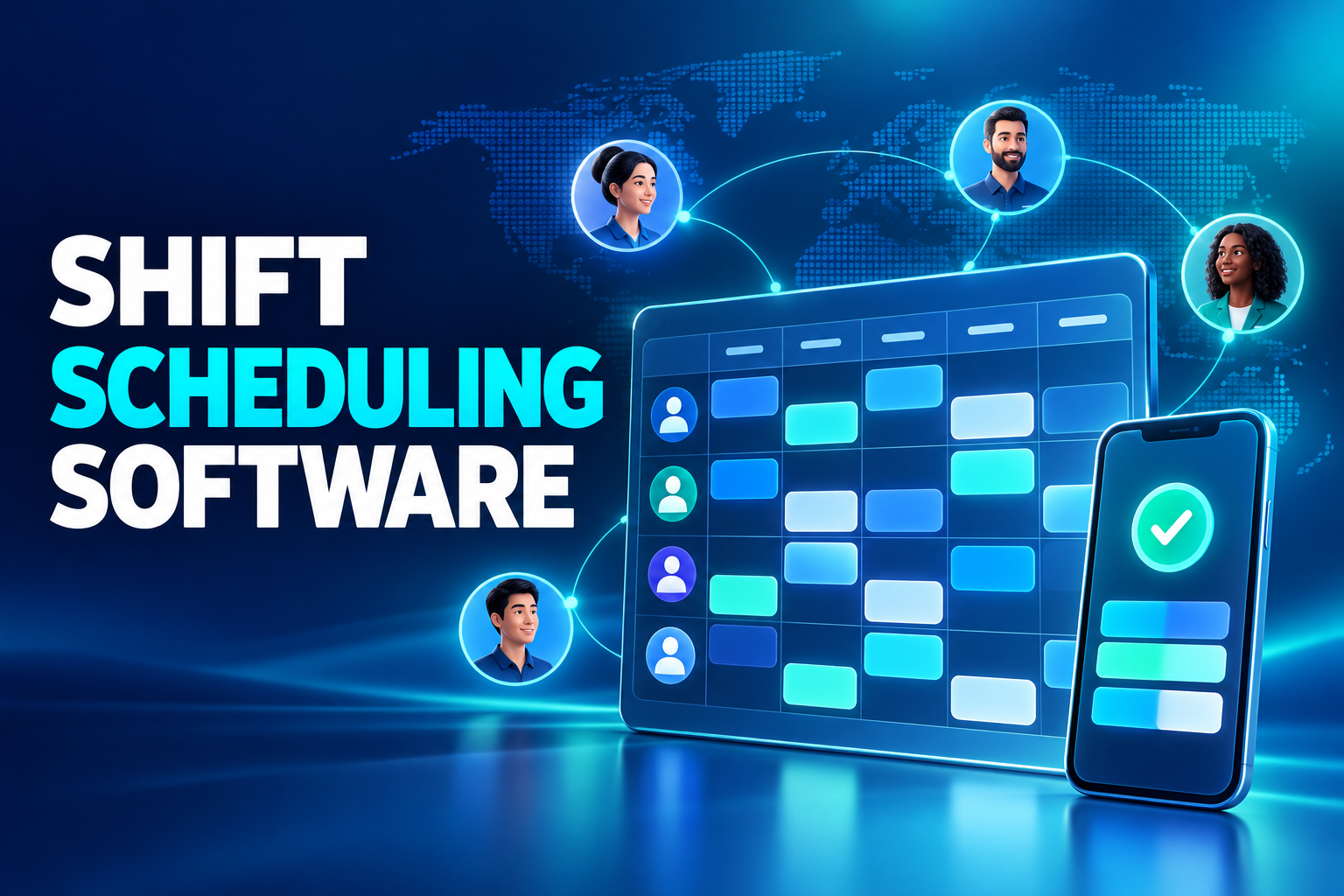
Building a shift schedule is not simply a matter of placing employee names into calendar cells. Every assignment can affect workforce coverage, employee availability, labour cost, skills, rest periods and payroll.
When schedules are maintained in spreadsheets and communicated through group messages, teams quickly lose control of the current version. Managers may update a shift without informing everyone affected, while HR must later reconstruct what was planned and what actually happened.
Shift scheduling software replaces this fragmented process with a controlled workforce-planning workflow.
What is shift scheduling software?
Shift scheduling software is a digital system used to plan, publish and update employee working patterns across teams, roles and locations.
A modern platform may manage:
Shift templates
Start, finish and break times
Staffing requirements
Employee availability
Leave and absence
Role and skill requirements
Open shifts
Shift swaps
Schedule notifications
Time-and-attendance comparisons
Overtime warnings
Timesheet and payroll connections
The goal is not merely to produce a calendar. It is to create a workable schedule that can be communicated, updated and compared with actual attendance.
How does digital shift scheduling work?
Workforce demand is defined
Managers first identify how many employees are required during each period. Demand may vary by location, department, role, expected sales, production volume or customer activity.
A retail store may require different coverage for sales, stock and checkout functions. A manufacturing site may need operators, maintenance employees and quality specialists on every relevant shift.
Shift templates are configured
Recurring schedules can be saved as reusable templates, including:
Morning shifts
Evening shifts
Overnight work
Rotating patterns
Weekend coverage
Split shifts
Fixed office schedules
Seasonal patterns
Templates reduce repeated data entry while preserving the ability to adjust individual assignments.
Employee availability is checked
The platform should consider approved leave, existing assignments, training events and stated availability before assigning a shift.
Potential conflicts should appear during planning—not after the schedule has been published.
Skills and role requirements are matched
Adequate headcount does not always mean adequate coverage. Some shifts require employees with specific skills, certifications or responsibilities.
The platform can help managers confirm that the planned team contains the correct mix of capabilities rather than simply the correct number of people.
Working-time risks are identified
Configured rules can highlight situations such as:
Overlapping shifts
Scheduling during approved leave
Excessive planned hours
Insufficient rest between assignments
Long sequences of working days
Missing required roles
Understaffed or overstaffed periods
Software should identify potential issues and route exceptions for review. Local requirements and organisational policies still need responsible human oversight.
The schedule is published
Once the plan is approved, employees receive it through a mobile application, employee portal or other authorised notification channel.
Draft schedules should remain clearly separated from published versions so employees know which plan is current.
Managing schedule changes
No schedule remains perfect after publication. Demand changes, employees report sickness and managers need to replace unavailable staff.
Manager-initiated changes
An authorised manager can reassign or modify a shift. The affected employees should receive an immediate notification and the system should retain the previous version.
Employee shift-swap requests
Employees may request to exchange shifts with colleagues. The platform should check availability, required skills and working-time rules before routing the request for approval.
Open shifts
Unfilled shifts can be offered to eligible employees. Managers can review volunteers and select the appropriate person rather than contacting staff individually.
Change history
The system should record who changed the schedule, when the change occurred and which employees were notified. Overwriting the original schedule removes valuable operational evidence.
Connecting scheduling with time and attendance
Scheduling and attendance perform different functions:
Scheduling records when the employee is expected to work.
Time and attendance records actual clocking events.
Leave management explains authorised absence.
Timesheets convert approved results into payroll-ready data.
Consider an employee scheduled from 8:00 a.m. to 4:00 p.m. who clocks in at 8:18 a.m. The attendance system records the event, while the scheduling connection identifies the difference between planned and actual time.
The platform can route the exception to the relevant manager instead of forcing HR to inspect every employee record manually.
Useful comparisons include:
Late arrivals
Early departures
Missing clock-ins or clock-outs
Unscheduled attendance
Work during approved leave
Potential overtime
Attendance at the wrong location
The final payroll input should reflect the reviewed result rather than an automatic calculation based only on timestamps.
Mobile scheduling and employee self-service
Mobile access gives employees a reliable place to view the latest schedule.
Depending on company policy, employees may be able to:
View upcoming shifts
Receive change notifications
Confirm assigned work
Declare availability
Request time off
Offer a shift for exchange
Apply for an open shift
Submit a correction request
Review approved schedule changes
The interface should remain simple for frontline employees who may not have a corporate email address or regular access to a computer.
Benefits of shift scheduling software
Faster schedule creation
Templates, recurring patterns and bulk assignments reduce repetitive planning work.
Better staffing visibility
Managers can identify undercoverage, overcoverage and missing skills before publishing the plan.
Fewer scheduling conflicts
Leave, availability and existing assignments can be checked automatically.
Improved employee communication
Employees see one current schedule and receive controlled notifications when it changes.
Earlier overtime visibility
Potential overtime can be identified during planning rather than discovered after the payroll period closes.
More accurate timesheets
Connecting planned shifts with actual attendance helps HR and payroll teams focus on exceptions.
Stronger accountability
Version history and approval records clarify how a final schedule was produced.
Common scheduling mistakes
Planning without approved leave data
A disconnected leave system allows managers to schedule employees who are already unavailable.
Focusing only on headcount
A shift can meet the numerical target while still lacking essential skills or authorised responsibilities.
Communicating changes through informal messages
Group messages create multiple versions and provide weak evidence that every affected employee received the update.
Ignoring payroll impact
A change that appears operationally minor can create overtime, allowance or payroll implications.
Removing previous versions
Deleting the original schedule makes it difficult to understand later attendance disputes or cost variances.
How to choose shift scheduling software
Evaluate whether the platform offers:
Visual drag-and-drop scheduling
Reusable shift templates
Multi-location planning
Skill and role-based assignment
Leave and availability integration
Rest-period and conflict warnings
Open-shift workflows
Employee shift swaps
Mobile self-service
Real-time schedule notifications
Time-and-attendance integration
Overtime approval workflows
Timesheet and payroll connectivity
Role-based access
Audit and version history
Planned-versus-actual reporting
API and integration options
During the demonstration, ask the provider to process a realistic case containing approved leave, a last-minute absence, a shift swap and a late clock-in. This reveals more than a perfect weekly schedule.
Implementation priorities
Standardise schedule definitions
Agree on shift names, time conventions, break structures and ownership before configuring the platform.
Validate employee data
Ensure that locations, roles, managers, skills and employment status are accurate.
Define exception ownership
Decide who reviews conflicts, approves swaps and resolves attendance differences.
Connect the core systems
Employee records, leave, attendance, timesheets and payroll should use consistent employee and organisational data.
Pilot with a representative team
Choose a location that includes real scheduling complexity without making the first rollout unnecessarily large.
Frequently asked questions
Which organisations benefit from shift scheduling software?
It is particularly useful in retail, manufacturing, healthcare, logistics, hospitality, security and contact centres. Multi-location and flexible workforces can also benefit.
Can employees swap their own shifts?
They can submit swap requests where company policy permits. Eligibility checks and manager approval should occur before the change becomes final.
Does scheduling software calculate overtime?
It can identify potential overtime from planned hours. Final payroll treatment should also consider actual attendance, breaks, leave and approvals.
Can leave automatically update the schedule?
Yes. An integrated platform can display approved absence within the scheduling process and prevent or flag conflicting assignments.
Does the planned schedule go directly to payroll?
Not usually. The schedule defines expected work; payroll-ready data should reflect actual attendance, authorised absence, exceptions and approvals.
Connect workforce planning with payroll-ready time
HR&Tomorrow connects shift planning with employee records, leave, time and attendance, overtime and digital timesheets. Managers gain visibility into coverage and conflicts, while employees access the latest schedule through mobile self-service.
By comparing planned and actual work within one connected platform, HR teams can reduce manual reconciliation before payroll.
Request an HR&Tomorrow demo to see how connected shift scheduling can improve workforce coverage, employee communication and payroll readiness.