





Sick Leave Automation: From Medical Certificate to Payroll
Learn how sick leave automation connects medical certificates, absence records, manager workflows and payroll while protecting sensitive employee data.
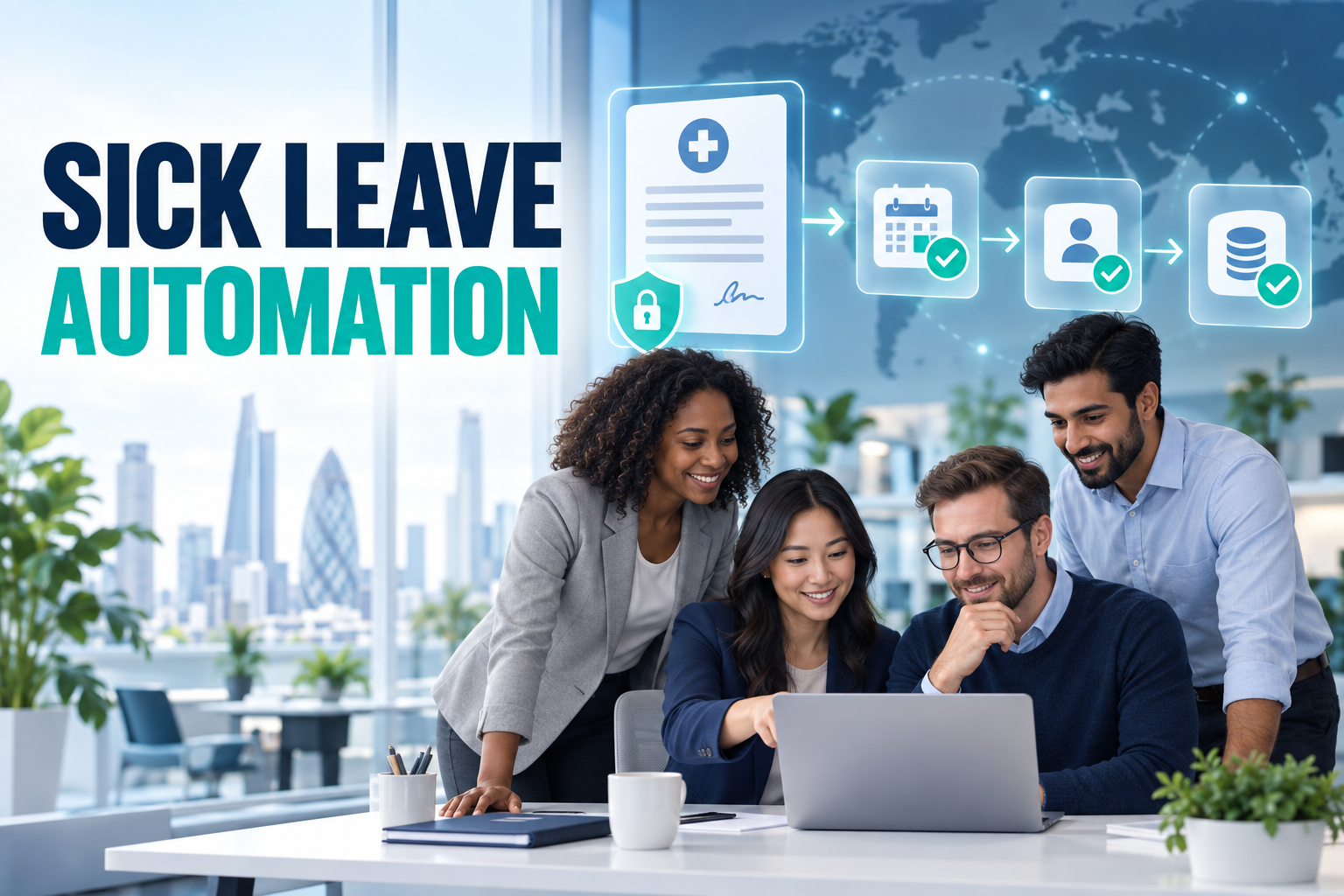
Sick Leave Automation: From Medical Certificate to Payroll
Sick leave often begins with a medical certificate but quickly affects several business systems. HR needs an accurate absence record, the manager needs enough information to plan work, payroll needs approved dates and the employee needs confidence that sensitive information will be handled appropriately.
When each team uses a different spreadsheet or inbox, the same absence can be recorded several times—and differently each time. Sick leave automation creates a controlled flow from the initial notification to the final payroll input.
What is sick leave automation?
Sick leave automation is the use of connected HR technology to capture, validate and route employee sickness-absence information.
The process may include:
Receiving a medical certificate or official notification
Matching the record with the correct employee
Validating dates and document status
Creating an absence record
Alerting authorised HR users
Informing the manager without exposing unnecessary medical details
Updating schedules and timesheets
Sending approved information to payroll
Retaining an auditable history
Automation does not mean making employment or medical decisions without human oversight. It means reducing repetitive data entry while directing exceptions to the right person.
Why manual sick leave processes fail
Notifications arrive through different channels
Employees may contact their manager by phone, send HR an email and upload a document later. If these actions are not connected, each stakeholder may have a different version of the absence.
Documents are matched incorrectly
Similar names, multiple legal entities and outdated employee lists can cause a medical certificate to be associated with the wrong person or payroll record.
Payroll receives incomplete information
A manager may know that the employee was absent, while payroll receives only part of the date range. Manual correction is then required after payroll processing has started.
Schedules remain unchanged
If the absence is not connected with scheduling, the employee may still appear as available for shifts. Managers then need to correct staffing plans manually.
Sensitive information is overshared
A medical certificate may contain more information than a line manager needs. Sending the full document through email or general messaging tools can expose sensitive personal data unnecessarily.
How an automated sick leave workflow works
1. The absence is captured
The record may enter the process through an employee self-service portal, an authorised HR user, a healthcare integration or an official public system.
The source should be recorded so HR can distinguish an employee notification from a verified certificate.
2. The employee is identified
The system matches the notification using a reliable identifier. If the employee works across several entities or locations, the correct employment record must also be selected.
Uncertain matches should enter an exception queue instead of being confirmed automatically.
3. Dates and status are validated
The workflow checks the start date, expected end date, issue date and document status. It can also identify overlapping leave, duplicate documents or a return-to-work date that conflicts with the current schedule.
4. The appropriate stakeholders are notified
HR receives the information required for administration. The manager receives the operational absence status. Payroll receives the approved dates and classification.
Each role should receive only the data needed for its responsibility.
5. Connected systems are updated
After validation, the absence can update:
Leave and absence management
Shift scheduling
Time and attendance
Digital timesheets
Payroll inputs
Employee records
Workforce reports
The integration prevents HR from copying the same date range into several applications.
6. Exceptions are reviewed
An authorised user reviews unusual cases, such as missing dates, conflicting attendance events, an unmatched employee or a modified certificate.
Automation should make these exceptions visible rather than hiding them behind a “successful” status.
Connecting medical certificates with attendance data
A sick leave record and an attendance event can occasionally overlap. An employee may have clocked in before visiting a healthcare provider, worked part of a day or accidentally generated a mobile attendance event during the certified absence.
The system should flag the conflict and provide the relevant facts:
Medical certificate dates
Scheduled shifts
Actual attendance events
Existing leave records
Manager comments
Previous corrections
It should not automatically assume that either source is correct. HR and payroll should apply the organisation’s rules and applicable local requirements.
Protecting employee health information
Health-related information can be highly sensitive. The workflow should be designed around data minimisation and role-based access.
Separate operational status from medical detail
A manager may need to know that the employee is unavailable and the expected return date. The manager may not need access to the diagnosis or full certificate.
Restrict document access
Medical documents should have narrower permissions than ordinary leave records. Access should be limited to authorised HR, occupational health or other designated roles.
Keep an audit history
Uploads, downloads, changes and approvals should remain traceable. Audit records help investigate accidental disclosure or incorrect processing.
Define retention rules
Medical certificates should not be stored indefinitely by default. The organisation should assign retention periods according to document type, jurisdiction and processing purpose.
Secure integrations and credentials
Connections with external platforms should use supported interfaces, controlled service accounts and protected credentials. Passwords should not be shared among users or stored as readable text.
The role of employee self-service
Employee self-service can make the process more consistent without placing the administrative burden on the employee.
A well-designed mobile or web flow can allow employees to:
Report an absence
Upload a permitted document
Check whether HR has received it
Review the recorded dates
Respond to a request for missing information
View return-to-work instructions
Request correction of an inaccurate record
The experience should remain simple. Employees who are unwell should not be required to navigate a complex series of HR forms.
Benefits of sick leave automation
Faster HR administration
New records can be routed automatically instead of waiting in individual inboxes.
More accurate payroll inputs
Validated dates and absence categories can be transferred directly to timesheets and payroll.
Better workforce planning
Managers can see relevant availability changes sooner and adjust schedules without accessing confidential medical details.
Fewer duplicate records
A single approved absence can update connected systems, reducing repeated manual entry.
Stronger auditability
The organisation can trace when a record arrived, how it was matched and who approved or changed it.
More consistent employee communication
Notifications and missing-document requests follow a defined process rather than depending on individual managers.
What to evaluate in sick leave software
Ask potential providers how the platform handles:
Multiple notification and document sources
Employee and legal-entity matching
Duplicate or overlapping certificates
Configurable absence categories
Role-based access to medical data
Manager notifications with limited information
Schedule, attendance and timesheet conflicts
Payroll and HRIS integration
Employee self-service
Audit logs
Retention settings
Failed integration alerts
Multi-country and local-rule configuration
During a demonstration, use a scenario containing a partial-day absence, an attendance event and an updated medical certificate. This shows whether the platform can manage a real exception rather than only a perfect record.
Türkiye-specific digital medical leave processes
In Türkiye, employers use the Social Security Institution’s digital channels for actions related to electronic medical leave reports. The official application is listed as “Çalışılmadığına Dair Bildirim Girişi (4A)”, meaning the notification that an insured employee did not work during the relevant period. Social Security Institution application portal
Organisations operating in Türkiye should configure workflows according to the current SGK application guide, report type, employment record and reporting requirements. Global platforms therefore need local configuration rather than a single universal sickness rule.
Frequently asked questions
Does sick leave automation make medical decisions?
No. It manages information and workflow. Medical assessments and employment decisions remain with authorised professionals and responsible users.
Should managers see the medical certificate?
Not automatically. Managers should generally receive only the operational information required to plan work, subject to local law and company policy.
Can sick leave update payroll automatically?
Validated absence dates and categories can be transferred to payroll. Exceptions and conflicting records should be reviewed before payroll closes.
What happens if attendance data conflicts with sick leave?
The system should flag the conflict and route it to an authorised reviewer. It should preserve both source records and the final decision.
Can the process work across multiple countries?
Yes, provided the platform supports local workflows, document types, permissions, payroll integrations and jurisdiction-specific rules.
Connect absence, attendance and payroll
HR&Tomorrow connects medical leave notifications with employee records, leave, shifts, attendance, timesheets and payroll workflows. Scheduled checks and employee matching help HR identify new records, while exception queues preserve human review where it matters.
Teams gain central visibility without distributing sensitive documents through disconnected emails and spreadsheets.
Request an HR&Tomorrow demo to see how sick leave automation can create a secure path from medical notification to payroll-ready absence data.