





What Are Digital Employee Records? A Guide for Modern HR
Discover how digital employee records centralise HR documents, strengthen access control and create secure, searchable and audit-ready personnel files.
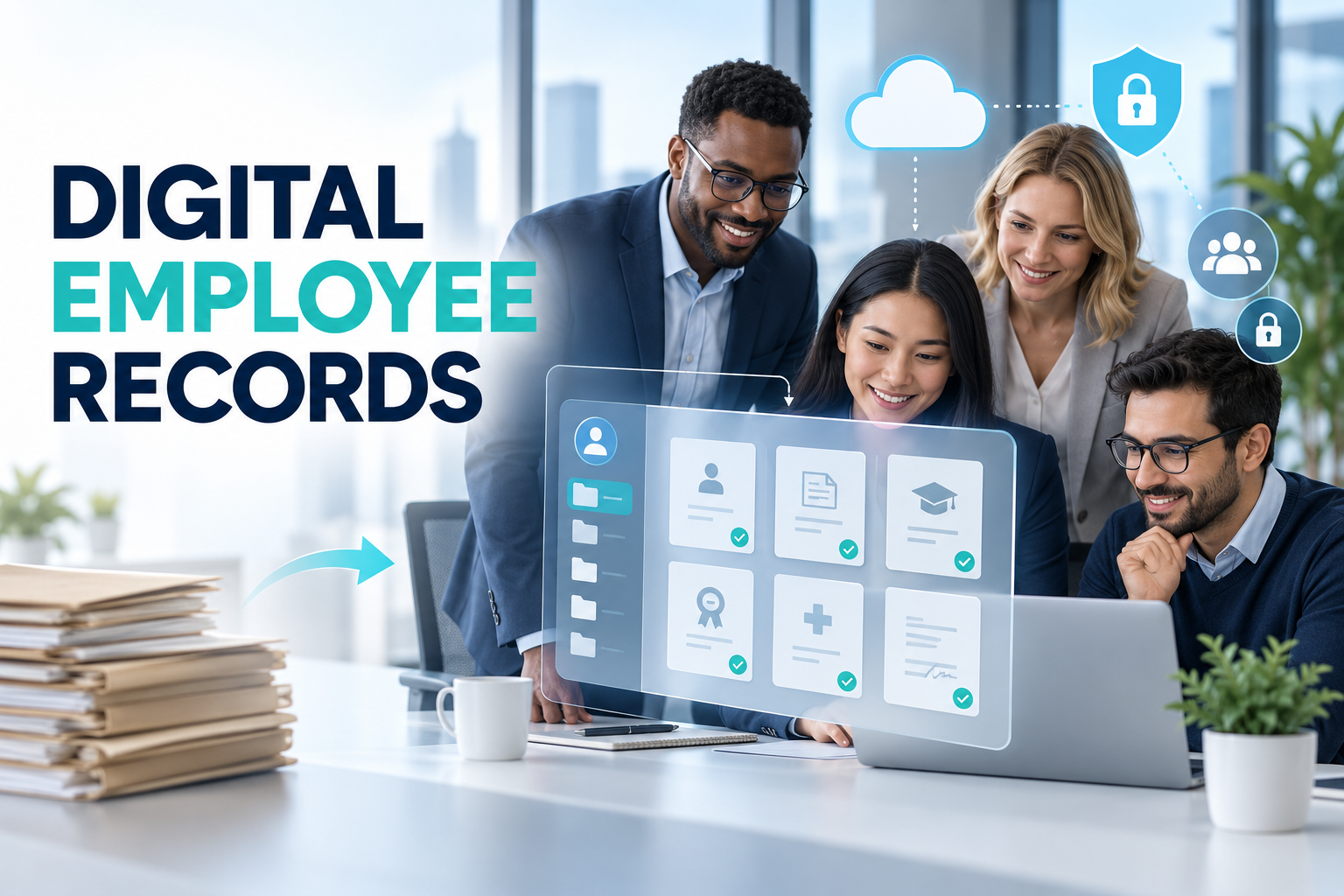
What Are Digital Employee Records? A Guide for Modern HR
Employee information rarely remains in one place. Contracts may be stored in shared drives, certifications in email attachments and performance records in a separate HR platform. When information is fragmented, even a routine document request can become a time-consuming investigation.
Digital employee records provide a structured environment for managing documents throughout the employment lifecycle. They help HR teams replace disconnected folders with secure, searchable and traceable records.
What are digital employee records?
Digital employee records are electronic personnel files containing the documents and information generated before, during and after employment.
A proper system does more than scan paper documents. It links every document to the correct employee, document category, effective date, expiry date, workflow and access policy.
Depending on local requirements and company processes, a digital employee file may include:
Employment applications and contracts
Identity and contact information
Job descriptions
Policy acknowledgements
Tax and payroll forms
Qualifications and professional certificates
Leave and absence records
Training history
Equipment acknowledgements
Performance documents
Compensation notifications
Disciplinary or employee-relations records
Offboarding documents
Organisations should determine which information is necessary for each role and jurisdiction instead of collecting every document simply because storage is available.
Why shared folders are not enough
Moving documents from filing cabinets to a cloud drive is a useful first step, but it does not automatically create effective employee document management.
A basic folder structure may not answer important questions:
Is this the current version of the contract?
Who viewed or changed the document?
Is a required signature missing?
Which certificates expire next month?
Was the file uploaded to the correct employee?
Should this HR user have access to medical information?
Has the retention period ended?
What happened to the record after the employee left?
Digital employee records add context and governance to each document. Instead of being an isolated PDF, the file becomes part of a controlled HR process.
How does an electronic personnel file work?
The employee profile provides the foundation
The system creates a central profile containing the employee’s entity, location, department, position, manager and employment status. Documents are linked to this profile rather than stored in disconnected folders.
Document categories are configured
HR defines categories such as contracts, qualifications, payroll documents, absence records and offboarding forms.
Different access, approval and retention rules can be assigned to each category. A payroll document, for example, may require a different access group from a training certificate.
Documents enter through controlled channels
HR may upload a document, generate it from a template or request it from an employee. A mobile workflow can allow employees to photograph or upload required evidence without sending it through personal email accounts.
Validation is completed
Authorised HR users check whether the document is readable, complete and linked to the correct individual. Invalid submissions can be rejected with a clear reason and a request for replacement.
Approval or signature is captured
Documents requiring acknowledgement or signature can be routed to the employee and relevant approvers. The completed record should retain its version, status and transaction history.
Expiry and retention are monitored
The platform can notify HR when a certificate, licence or work authorisation approaches expiry. Retention policies can also identify records requiring review, deletion or anonymisation.
Security should be designed around the document
Employee files may contain contact details, compensation information, identification documents, medical data and other highly sensitive records. Applying one general permission to the entire HR folder is rarely sufficient.
Role-based access
Users should only see the employees and document types required for their responsibilities. A line manager may need access to training certificates but not payroll or medical records.
Audit history
The system should record relevant activity such as uploads, approvals, changes and downloads. Audit history helps the organisation understand what happened without relying on memory or email trails.
Authentication and session control
Strong authentication, controlled sessions and timely removal of access for leavers reduce the risk of unauthorised use.
Data minimisation
The ability to store more information does not mean that every document should be collected. HR teams should define a purpose and appropriate basis for each information category.
Retention and deletion
Records should not remain indefinitely by default. Retention schedules should reflect legal obligations, contractual requirements and legitimate operational needs in the relevant jurisdiction.
For organisations processing employee data in Türkiye, the principles published by the Turkish Data Protection Authority include lawfulness, accuracy, purpose limitation, data minimisation and retaining information only for the necessary period. Turkish Data Protection Authority – General principles
Benefits of digital employee records
Faster retrieval
Authorised users can locate a document by employee, category, date or status instead of searching filing cabinets and email inboxes.
Clearer document completeness
Dashboards can show which employees have missing contracts, certificates or acknowledgements. HR can focus on the exceptions requiring action.
Better lifecycle management
Document requests can become part of onboarding, internal mobility and offboarding workflows. This prevents each department from maintaining a separate checklist.
Expiry alerts
Notifications can be generated before time-sensitive certificates, licences or permits expire.
Improved employee experience
Employees can submit documents, review requests and complete acknowledgements through a self-service portal rather than repeatedly contacting HR.
Stronger audit readiness
Structured records, approval histories and access logs make it easier to demonstrate how documents were collected and managed.
Less dependence on paper
Digital workflows can reduce printing, physical storage and document transportation. Organisations should still confirm whether a particular document requires a specific format or original copy.
Building a digital employee file structure
A successful implementation starts with information architecture, not scanning.
Map existing documents
List the employee documents held by HR, payroll, managers and local offices. Identify duplicates and documents collected without a clear purpose.
Define ownership
Assign responsibility for collecting, reviewing, updating and removing each document type. Not every task should remain with central HR.
Create a naming and classification standard
Use consistent categories and metadata. A standard such as document type, effective date and status is more reliable than depending on manually written filenames.
Configure permissions
Set access at employee population and document-category level. Test the experience using different roles before launching the platform.
Establish lifecycle rules
Determine what should happen when an employee joins, changes position, transfers location or leaves the organisation.
Migrate in controlled stages
Prioritise active employees and critical records. Validate document-to-employee matching before removing access to the previous repository.
How to choose HR document management software
Evaluate whether the system provides:
Employee-centred document profiles
Configurable document categories
Mobile and web uploads
Document validation workflows
Approval and signature support
Missing-document dashboards
Expiry notifications
Role-based access controls
Version and audit history
Search and filtering
Retention-policy support
Multi-entity and multi-location capabilities
Integration with onboarding, payroll and leave
Secure migration and implementation support
During a product demonstration, ask the provider to show a complete scenario: request a certificate from an employee, validate it, restrict access, send an expiry warning and retrieve its transaction history.
Frequently asked questions
Are scanned employee documents considered digital employee records?
Scanned documents can form part of the record, but a collection of scans is not a complete management system. Classification, permissions, validation and lifecycle controls are also needed.
Can employees upload their own documents?
Yes. A controlled self-service process can allow employees to upload requested files while HR retains validation and approval authority.
Should managers see all employee documents?
No. Access should be limited according to responsibility and document sensitivity. Managers should not automatically receive access to the complete personnel file.
Can original paper documents be destroyed after scanning?
Not automatically. Organisations should review local format, evidence, signature and retention requirements before disposing of original documents.
How long should employee records be retained?
There is no single global period for every document. The answer depends on document type, jurisdiction and processing purpose. A documented retention schedule should be applied.
Build a secure employee document lifecycle
Digital employee records create the most value when connected with the wider employee journey. A contract collected during onboarding, an updated certificate submitted during employment and an equipment return form created during offboarding should remain part of one controlled history.
HR&Tomorrow brings employee documents, mobile submissions, validation, notifications and authorised access into a single platform. HR teams gain central visibility while employees complete permitted actions through self-service workflows.
Request an HR&Tomorrow demo to see how secure digital employee records can replace fragmented folders and manual document follow-up.